How It Works
Steps
- Navigate to the invoice overview on the subscription detail page
- Find the dropdown menu for outstanding invoices and select Mark invoice as paid
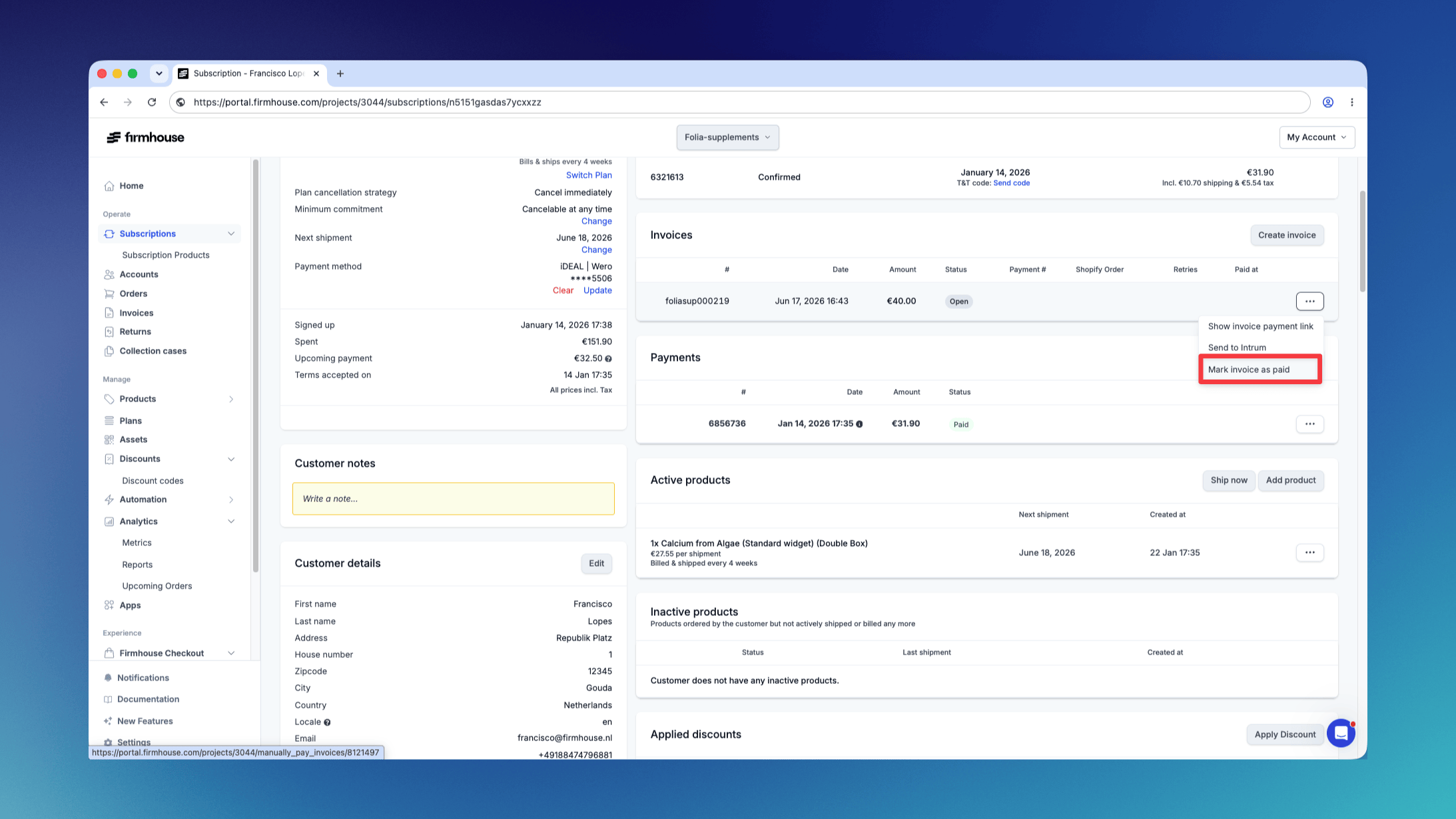
- Optionally add an internal reference, such as a bank-transfer date, bank account, or bookkeeping reference
- Confirm that you want to mark the invoice as paid
What Happens Next
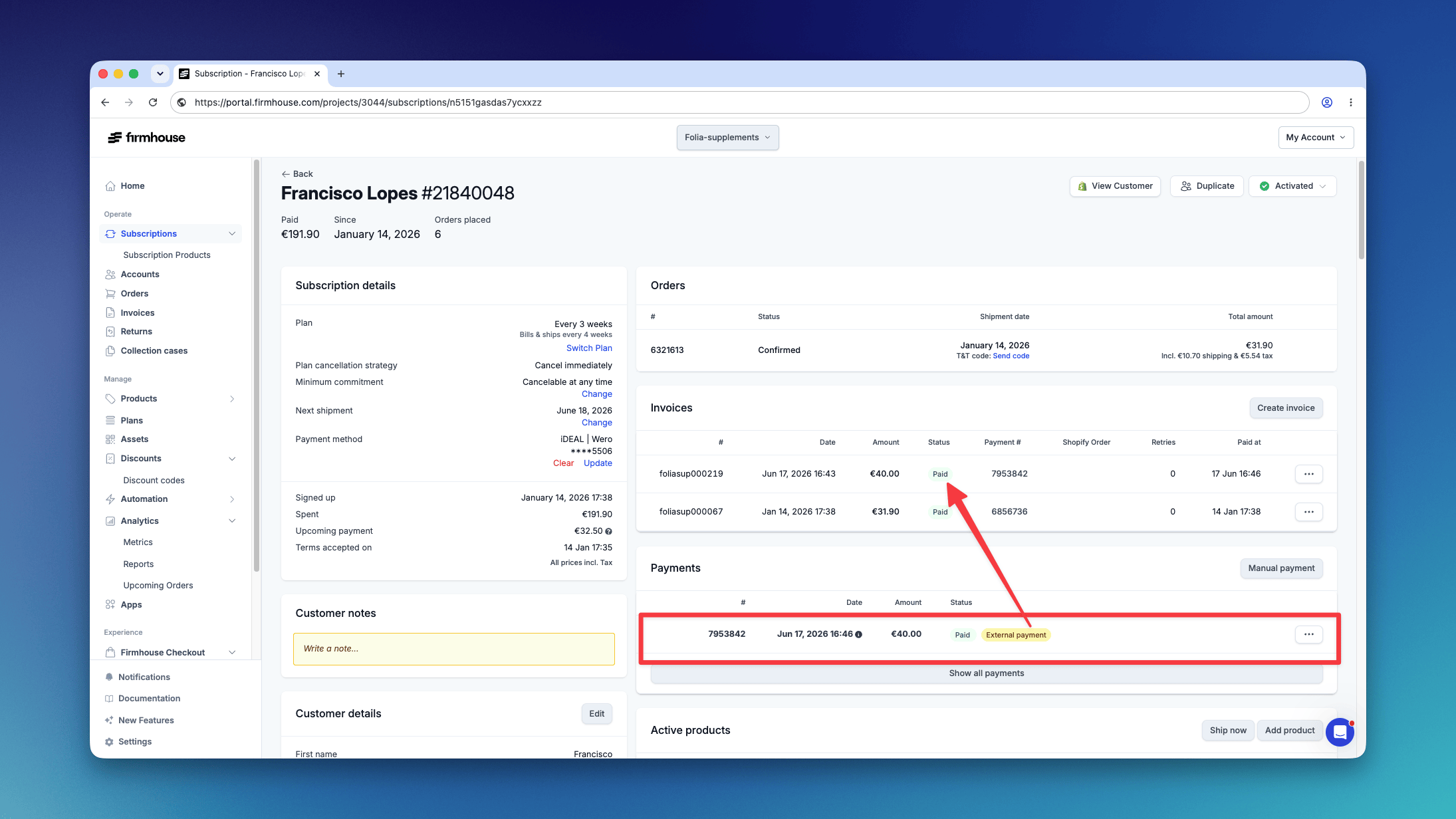
Once you confirm the action: Paid Payment Recorded: A “Paid” payment record is automatically generated, and the invoice is immediately marked as paid. This clearly reflects that the payment was made outside of Firmhouse. External Payment Label: An “External payment” label is added to the payment record, making it clear that this payment was processed outside of the Firmhouse platform. Internal Reference: When you add a reference, it appears with the external payment in the Firmhouse Portal. The reference is visible only to your team and is not shown to the customer.