Documentation Index

Fetch the complete documentation index at: https://docs.firmhouse.com/llms.txt

Use this file to discover all available pages before exploring further.

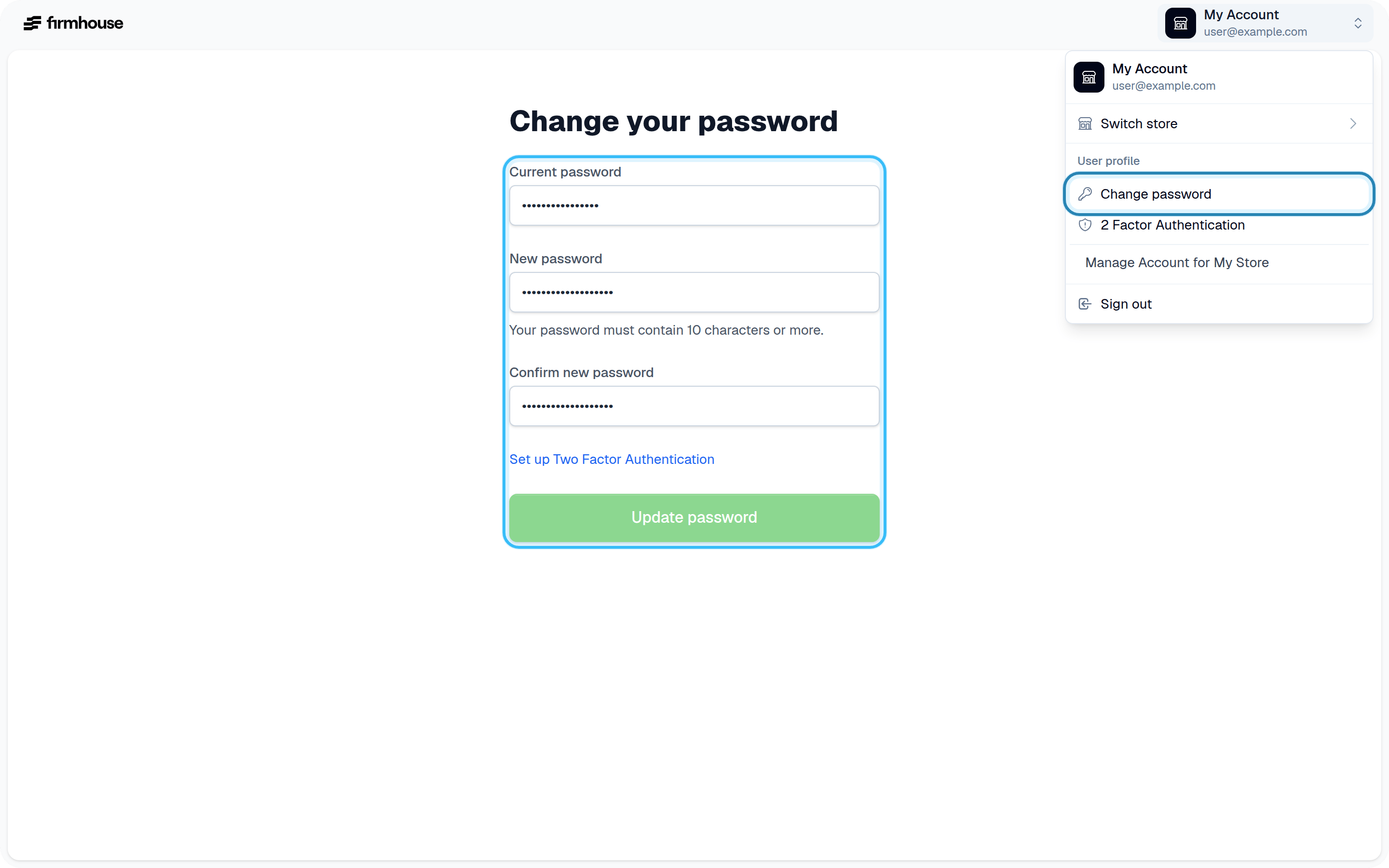
If you want to change your Firmhouse password, you can do so from your profile settings.

Steps

  1. Click on Profile Settings in the top right corner of the Firmhouse dashboard
  2. Enter your current password
  3. Enter the new password you want to use
  4. Save your changes
Profile Settings Password Change

Password requirements

Your password must be longer than 10 characters. If you have trouble thinking of a good password or keep forgetting them, consider using a password manager like 1Password. macOS and iOS also have a native password manager built in.