Finding and Sharing Payment Links
In Firmhouse, you’ll find an invoice section on the subscription detail page where you will find a button for failed payments labeled Show invoice payment link.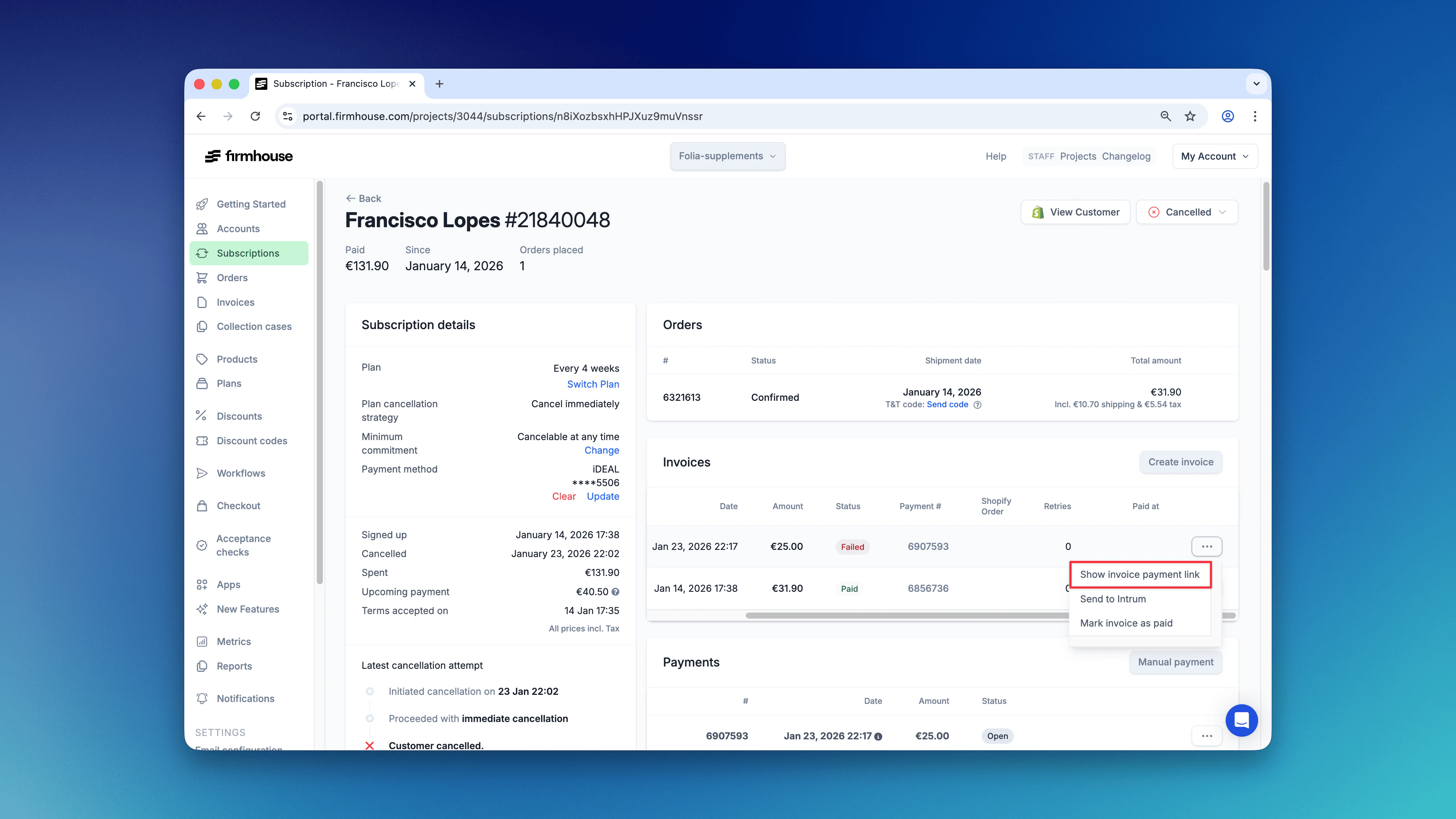
How Customers Access Invoice Payment Links
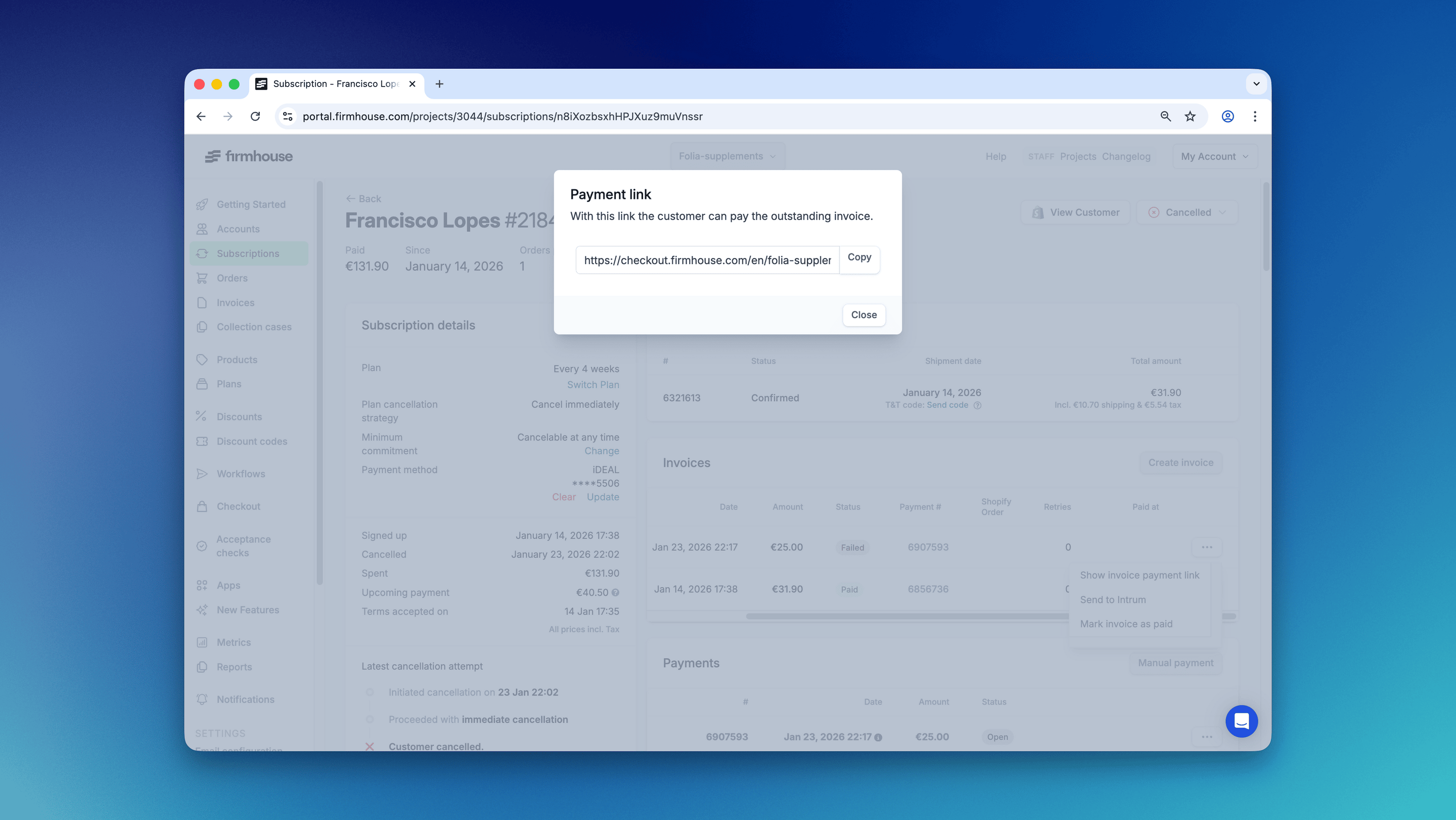
Customers can get invoice payment links in several ways:- You copy-paste the link from your customer’s detail page in the Firmhouse portal (as described above)
- From a link included in billing or failed payment email notifications
- From the Invoices overview in the Firmhouse Self Service Center
Invoice Payment Page
When a customer opens an invoice payment link, they see the invoice details and a payment button if the invoice is unpaid. They are able to make a single payment that is outside of their regular subscription payments, and depending on the enabled payment method(s), can select a different bank or payment method for this specific payment.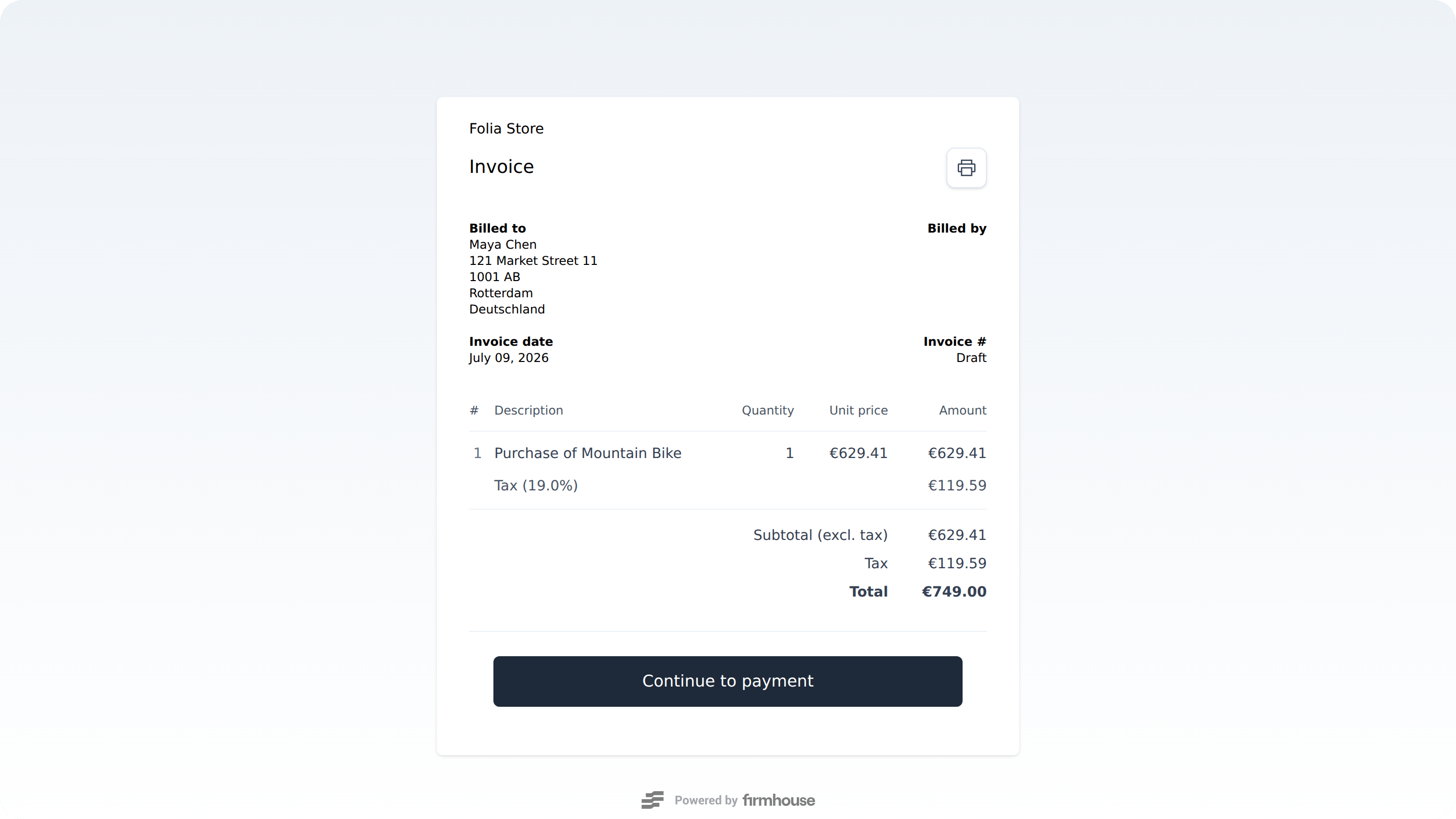
When Manual Payment is Available
Customers can manually pay their invoice even when automatic payment retries are scheduled for a future date. However, manual payment is temporarily blocked when a retry has already been initiated and is waiting for bank confirmation (for example, SEPA payments that take 1-2 days to process). Once the retry attempt completes (either successfully or by failing), manual payment becomes available again. If a customer pays manually while a retry is scheduled, the scheduled retry will be automatically cancelled to prevent duplicate charges.Saving the Payment Method for Future Use
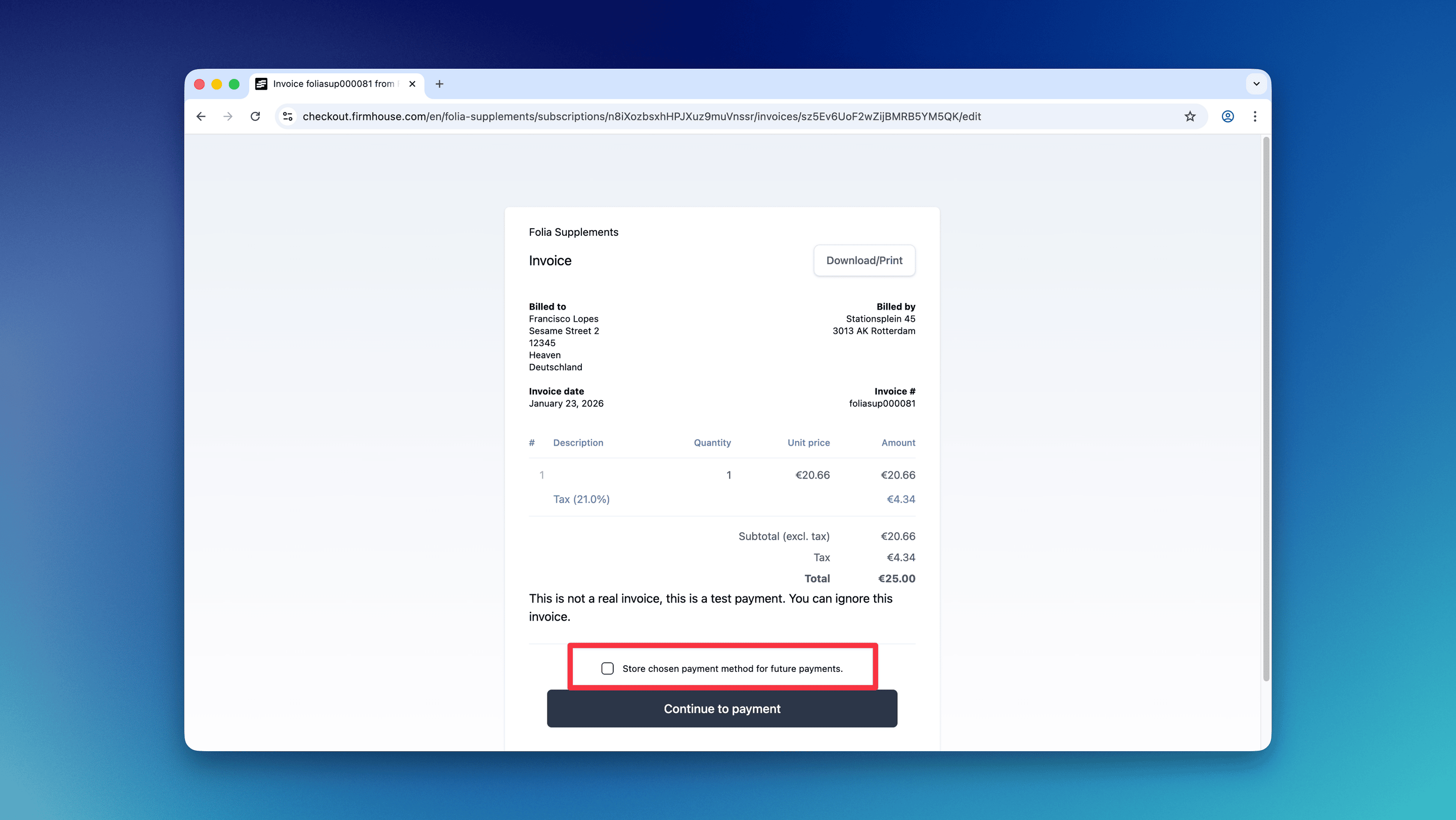
Customers can save a new payment method on their subscription when they pay for an invoice via payment link. They can do this by leaving the “Store payment method for future payments” option checked.