What customers can do
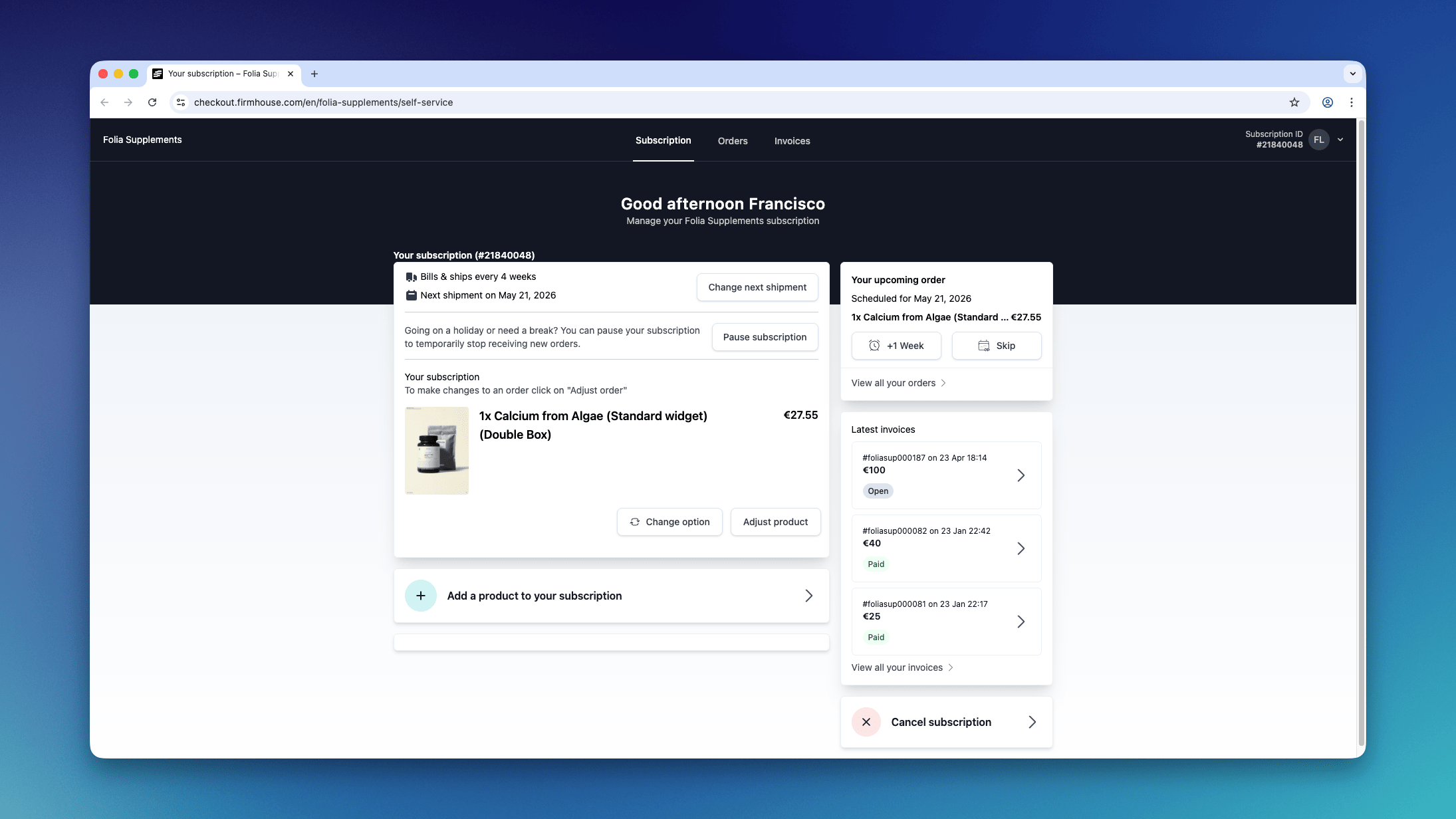
Once logged in, your customers can:- See a breakdown of their monthly costs
- Adjust the shipping date of their next order and update shipping frequency (for Smart order based subscriptions)
- Find all receipts
- View previous orders (for Smart order based subscriptions)
- Cancel their subscription
How customers can access it
We recommend that you include the link to the Self service center in every email conversation. You will find the link in Settings > Self Service Center.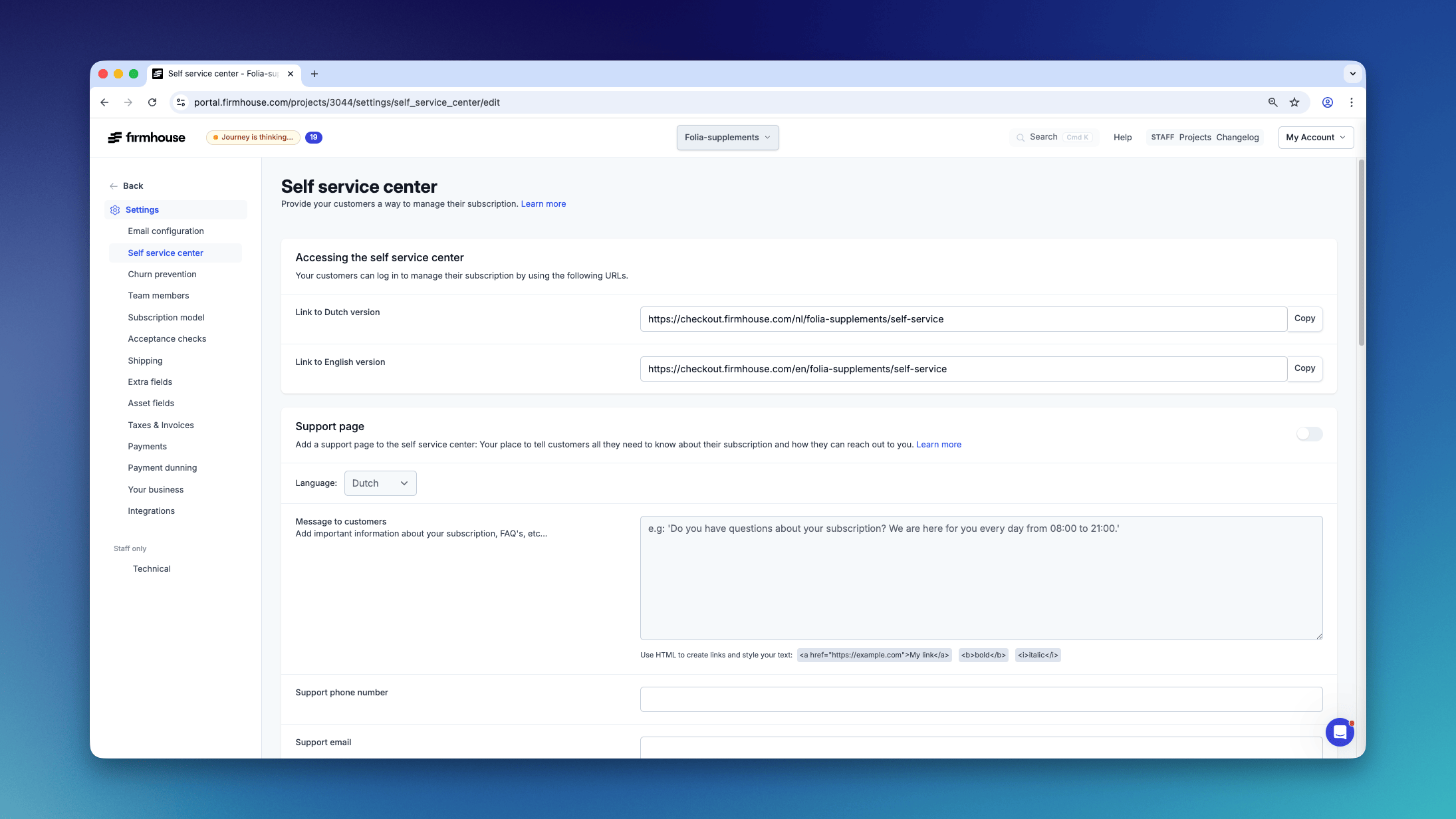
Automatically add the login link in an email
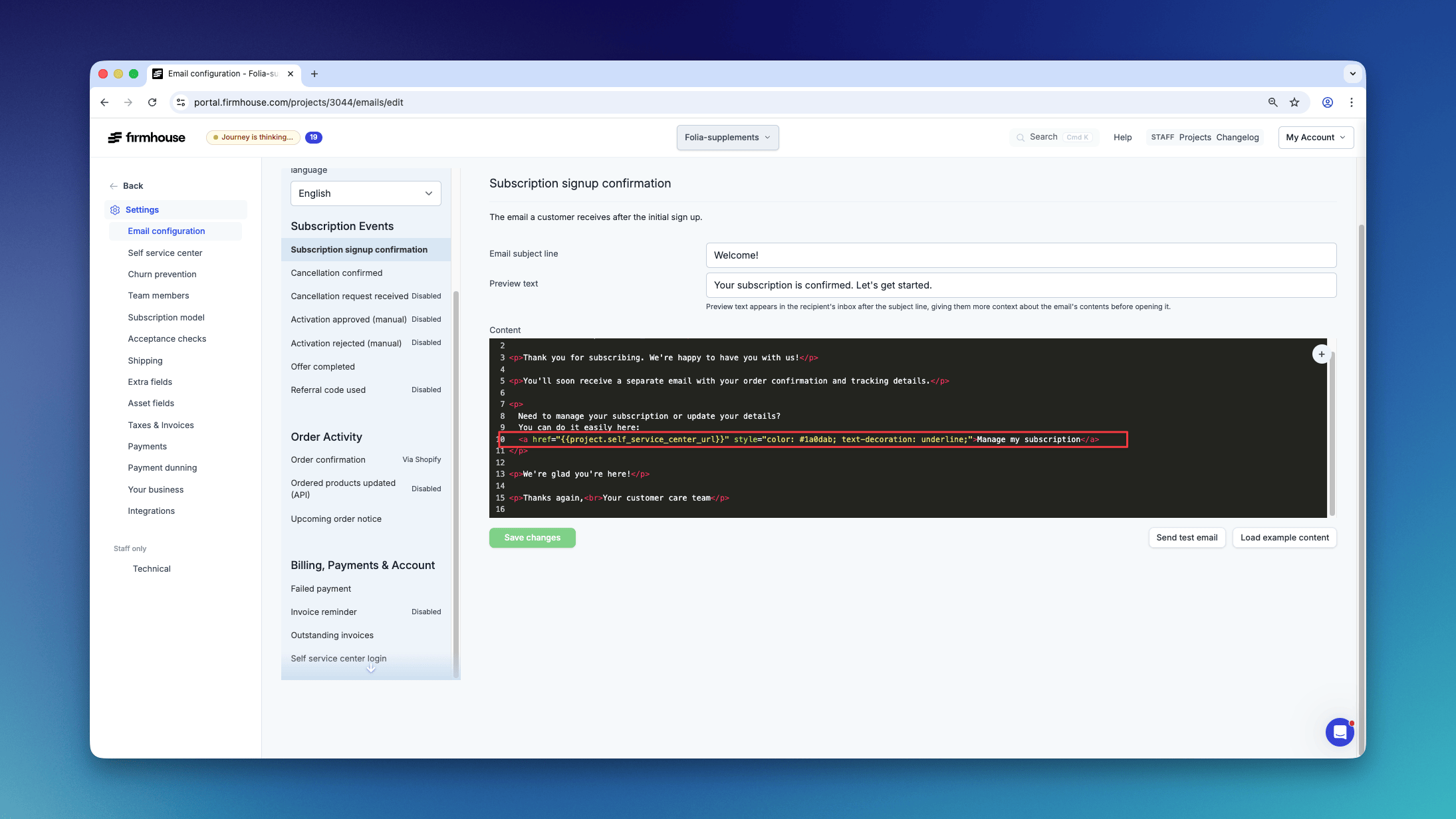
You can include the link in any email that gets sent by Firmhouse. For example, if you want to include it in the welcome email that a customer receives after signing up, go to Settings > Email configuration > Subscription signup confirmation.