

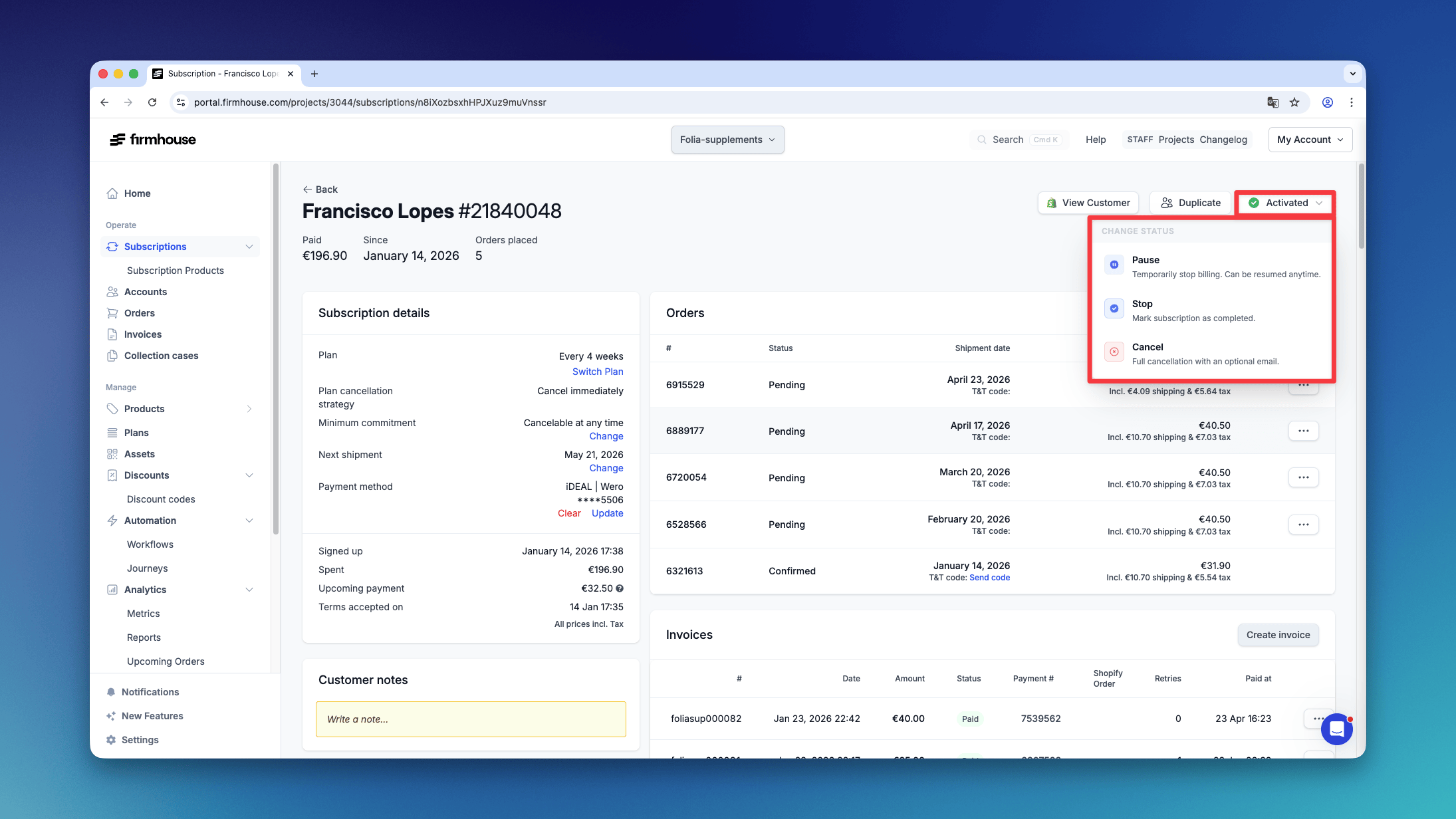
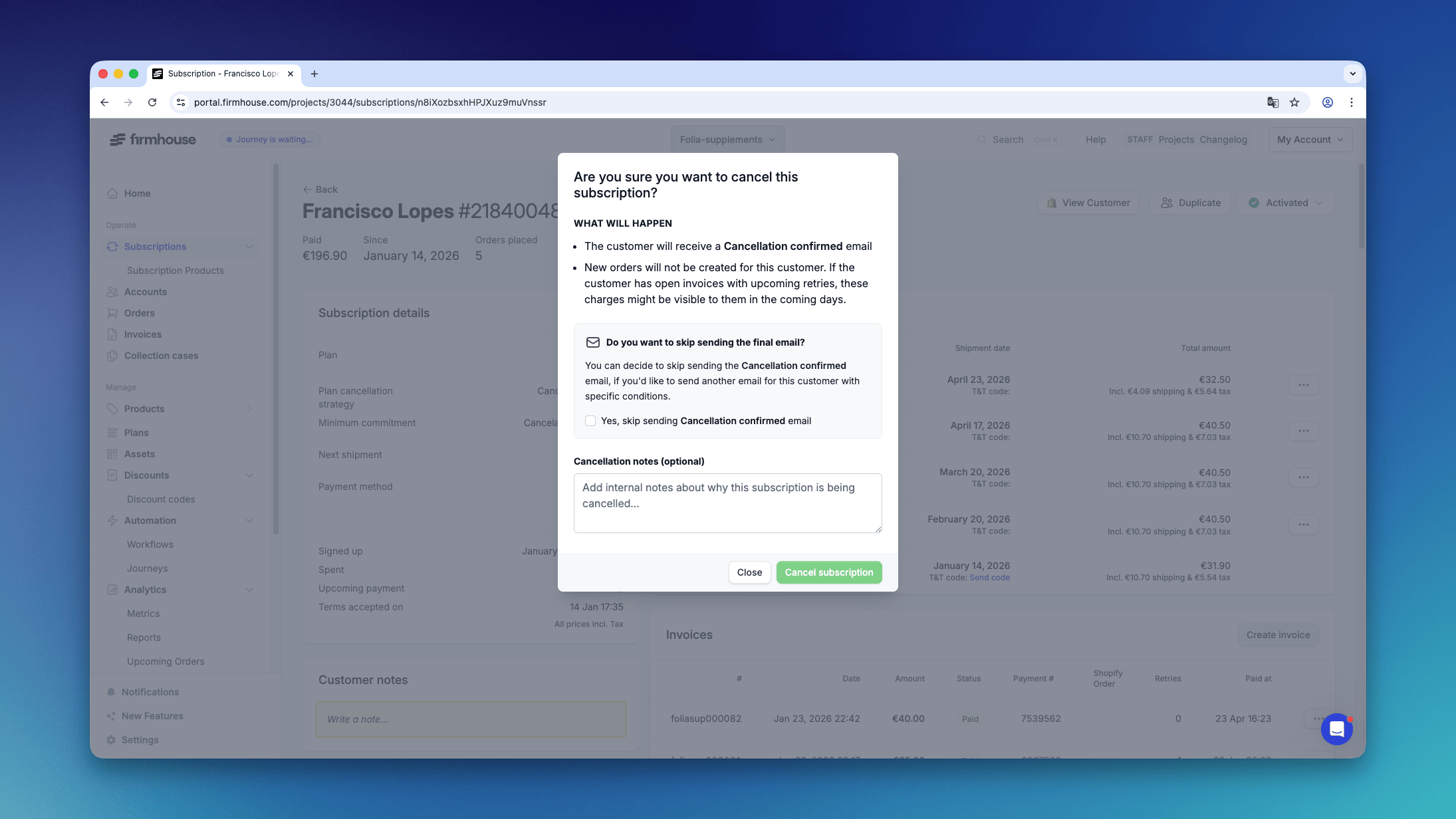
When a Product Needs to Be Returned
In the event a product needs to be returned:- The Firmhouse platform sends out an email to the customer with return instructions
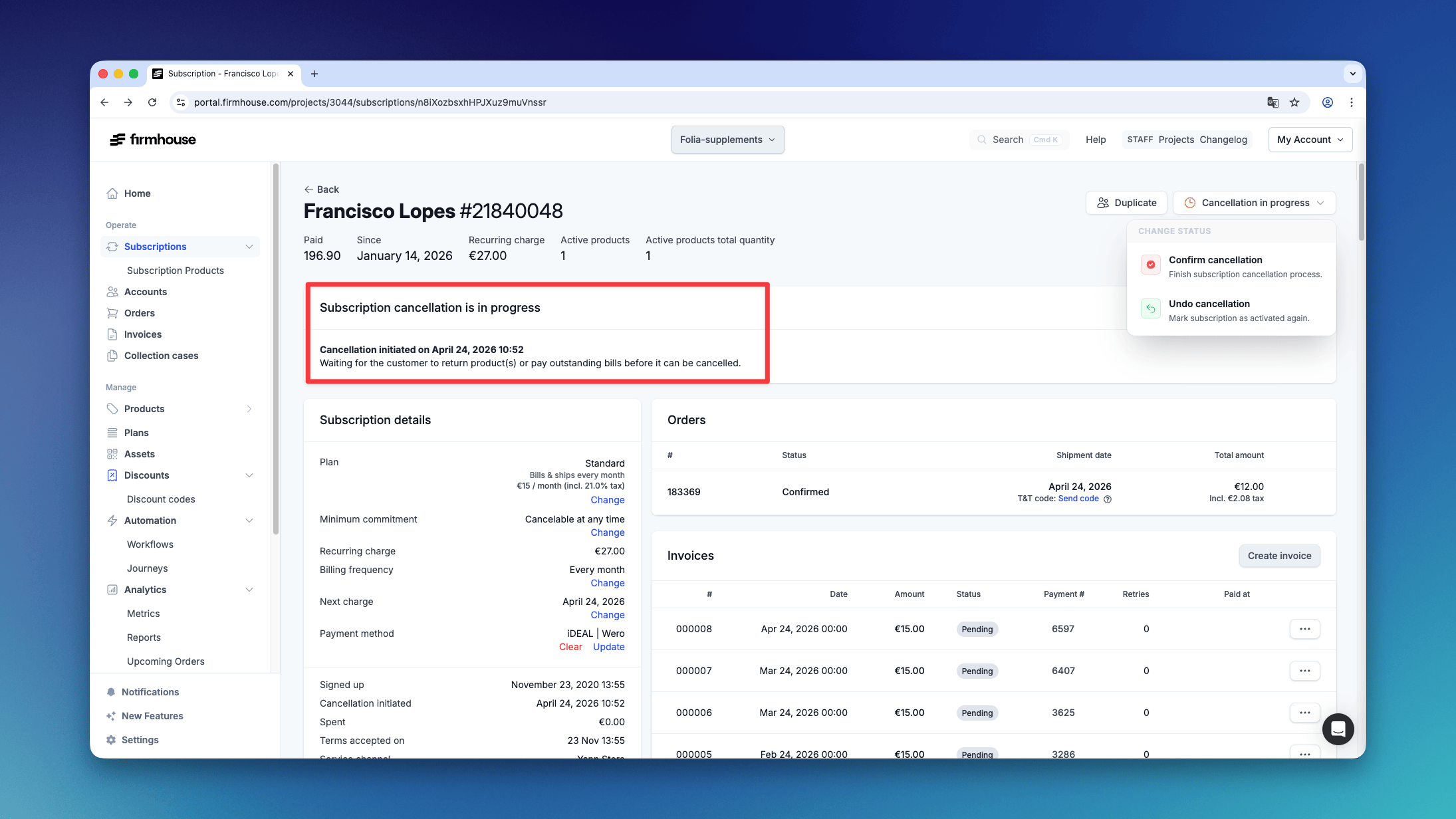
- The customer is then marked as “cancellation pending”
Cancel a customer subscription from the Firmhouse portal using the subscription status menu, including the effects on orders, invoices, and notifications.