Connecting the App
Steps
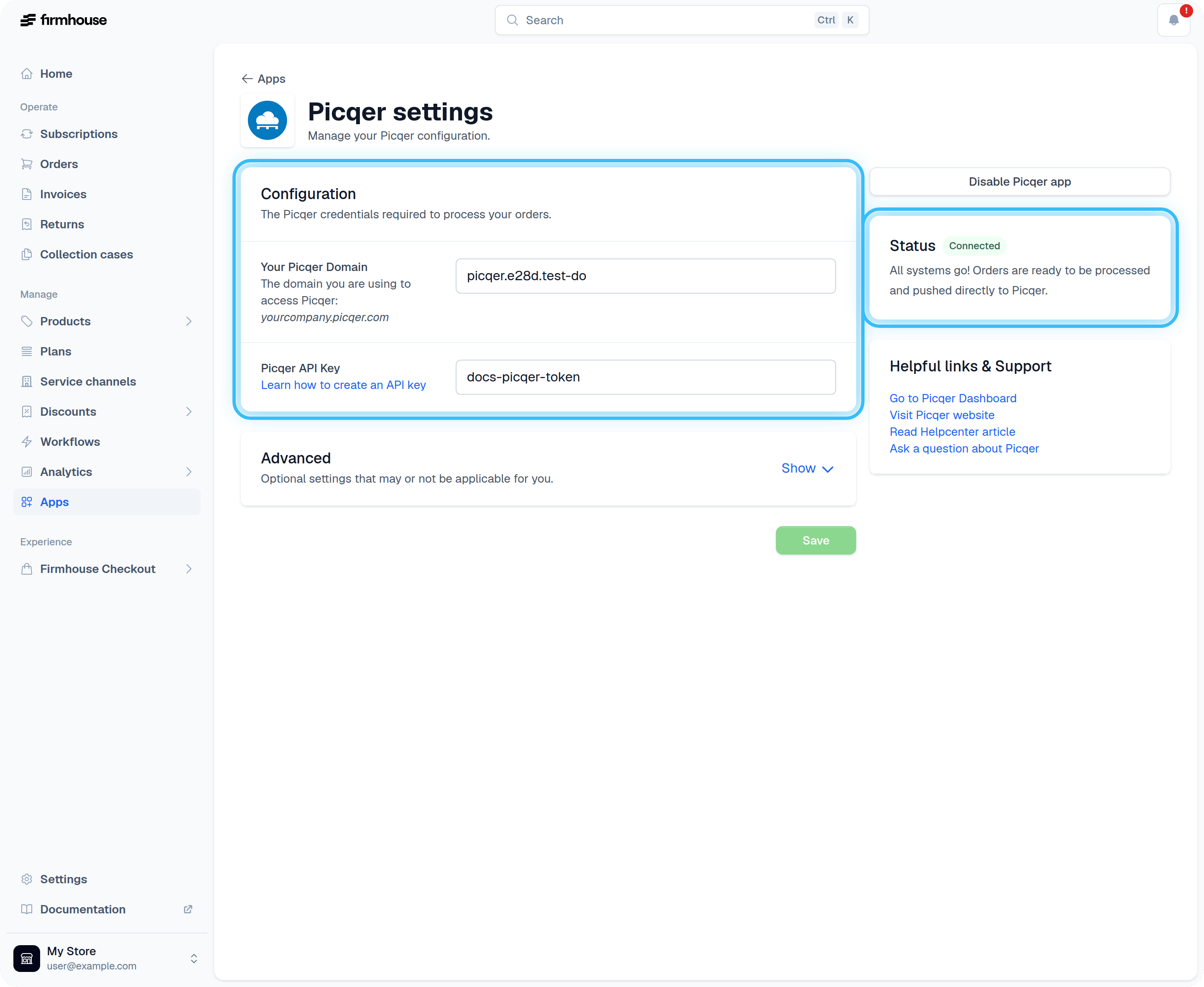
- Navigate to Apps in the sidebar and find the Picqer integration
-
Enter your Picqer credentials:
- Your Picqer Domain (e.g.,
yourcompany.picqer.com) - Your Picqer API Key
- Your Picqer Domain (e.g.,
- Save your credentials
- Click the Enable Picqer App button on the right
Linking Products
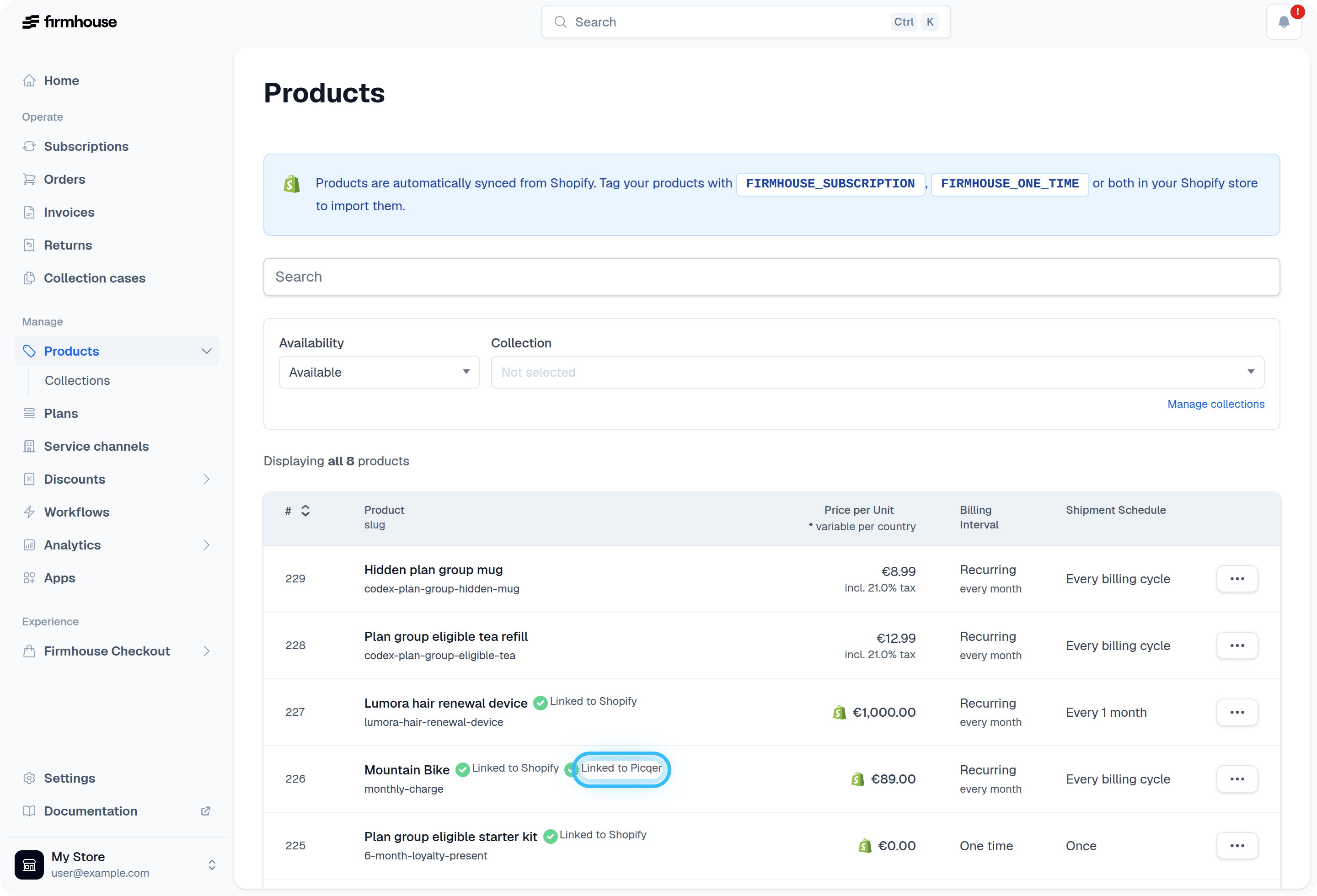
After connecting the app, you need to connect your Firmhouse products to those in Picqer.Steps
- Navigate to a product in Firmhouse
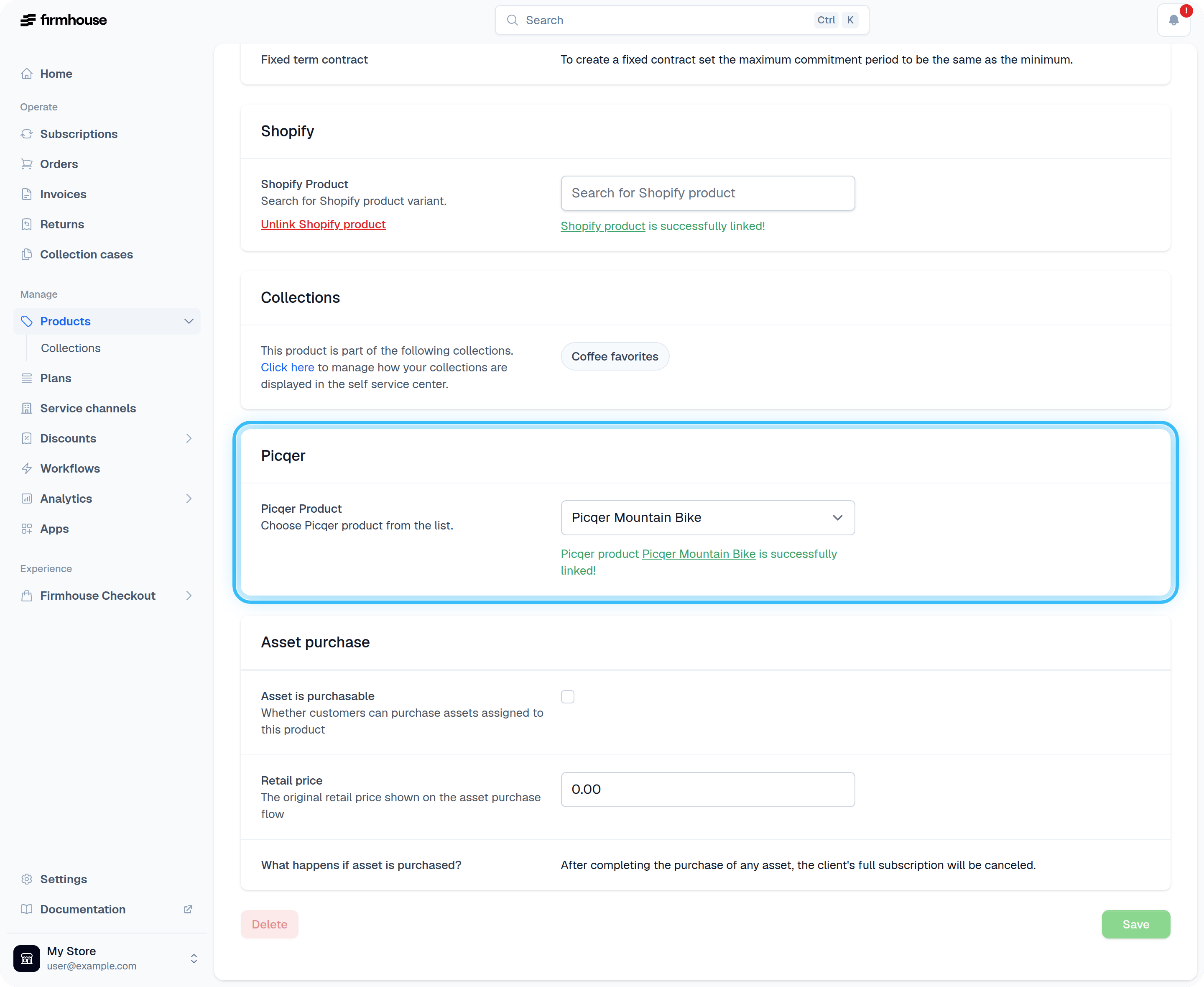
- Scroll all the way down to the Picqer section
- Connect it to the corresponding Picqer product from the dropdown