

API integrations are available on the Advanced plan or higher.
Creating an access token
Steps
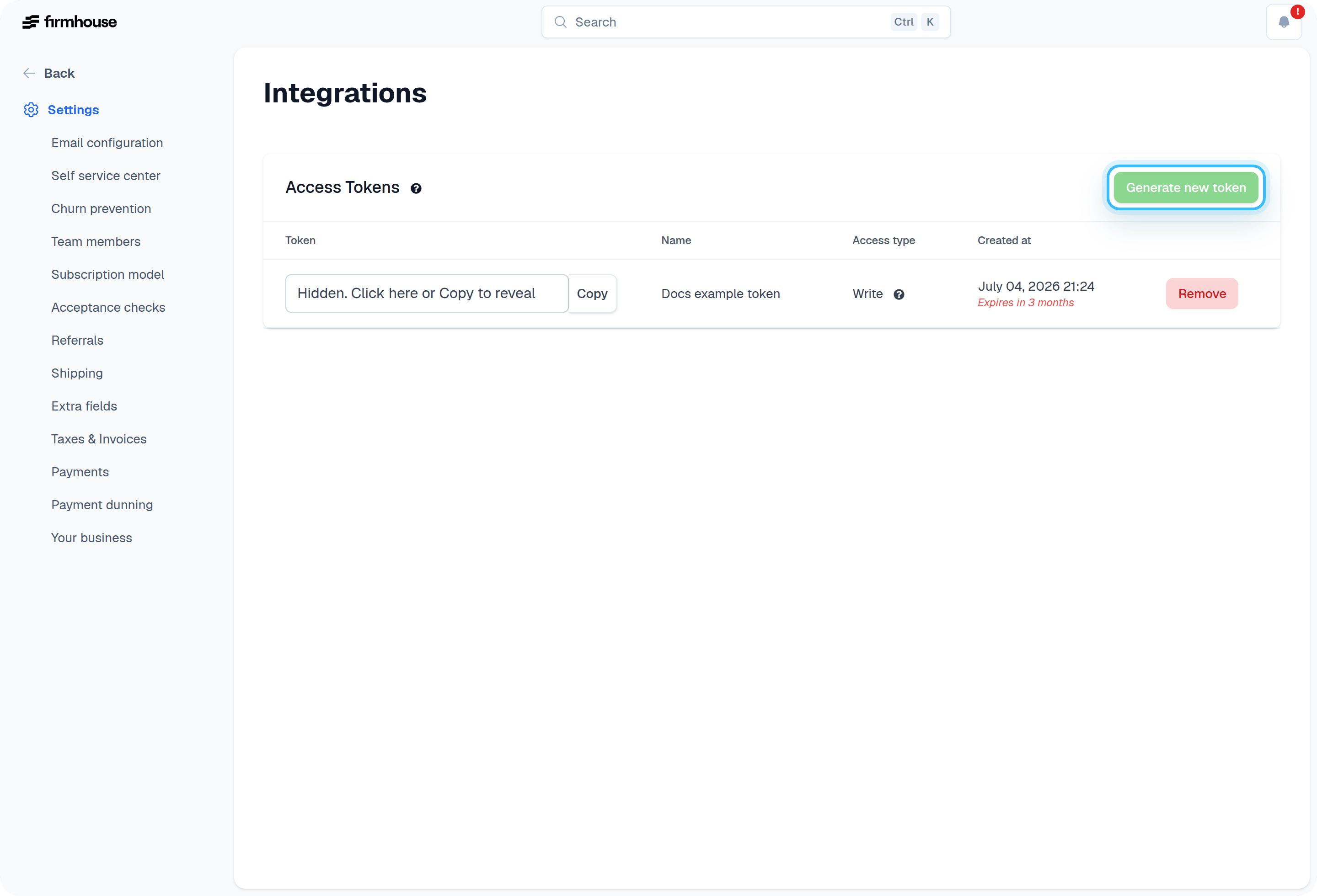
- In your Firmhouse project, navigate to Settings > Integrations from the sidebar.
- From the section called Access Tokens, click Generate new token.
- Choose a desired Expiration (or no expiration) and choose the Access type. Choose Storefront if you’re going to use this token in a client-side frontend library. Choose Write if you’re going to use this token for backend systems integration. Choose Customer Portal templates if the token should only read and write Customer Portal templates.
- Click Create project access token.
- Click the hidden token to reveal the newly generated token. Or use the Copy button to put the generated token on your clipboard.
Removing and revoking an access token
Steps
- In your Firmhouse project, navigate to Settings > Integrations from the sidebar.
- In the section called Access Tokens, find the access token you want to remove/revoke and click Remove.