

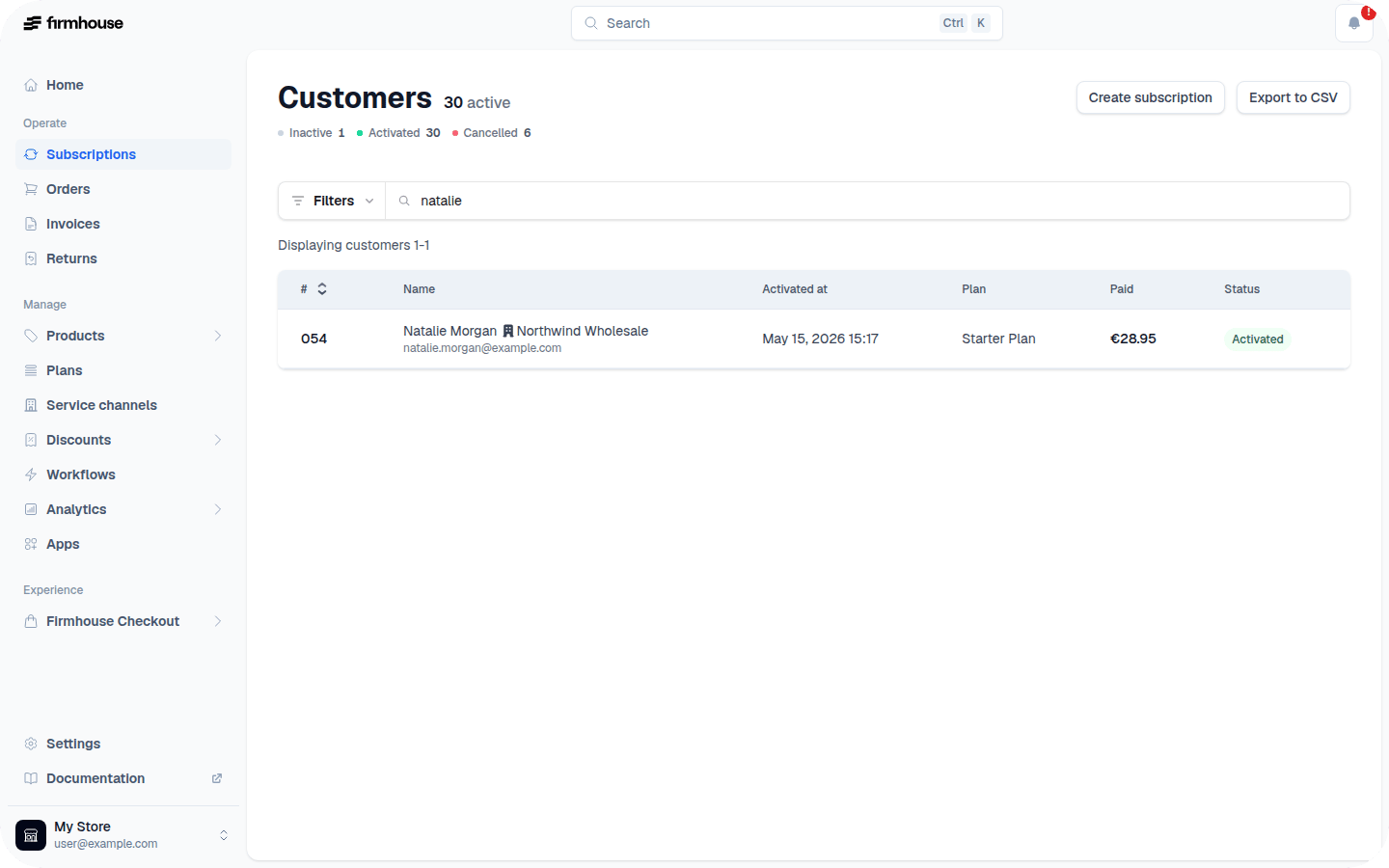
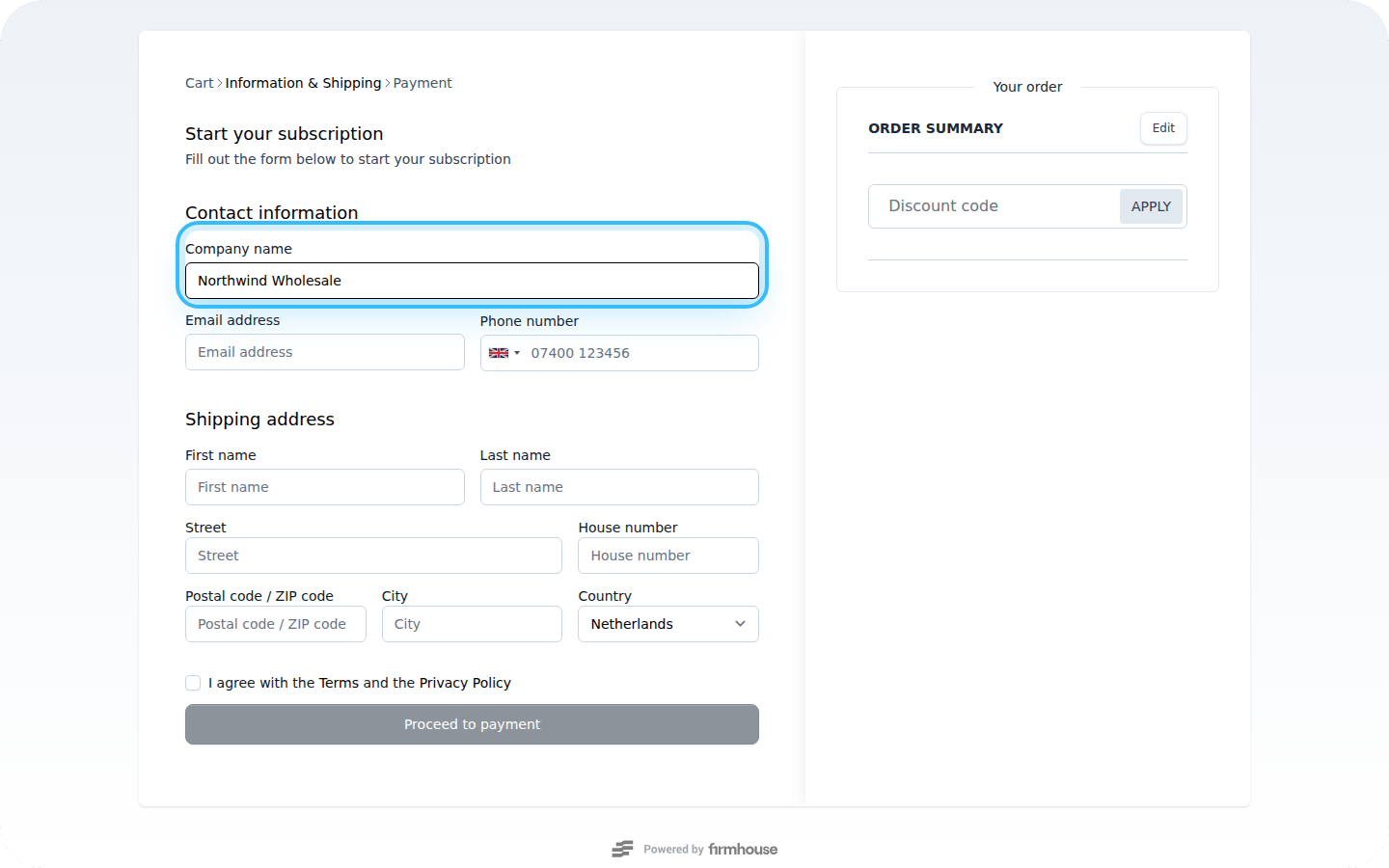
Create a Checkout That Asks for Company Name
Find the link on your online store that links to the B2B checkout. At the end of that link, simply add?customer_type=business. This will automatically add the “Company Name” field to the checkout.
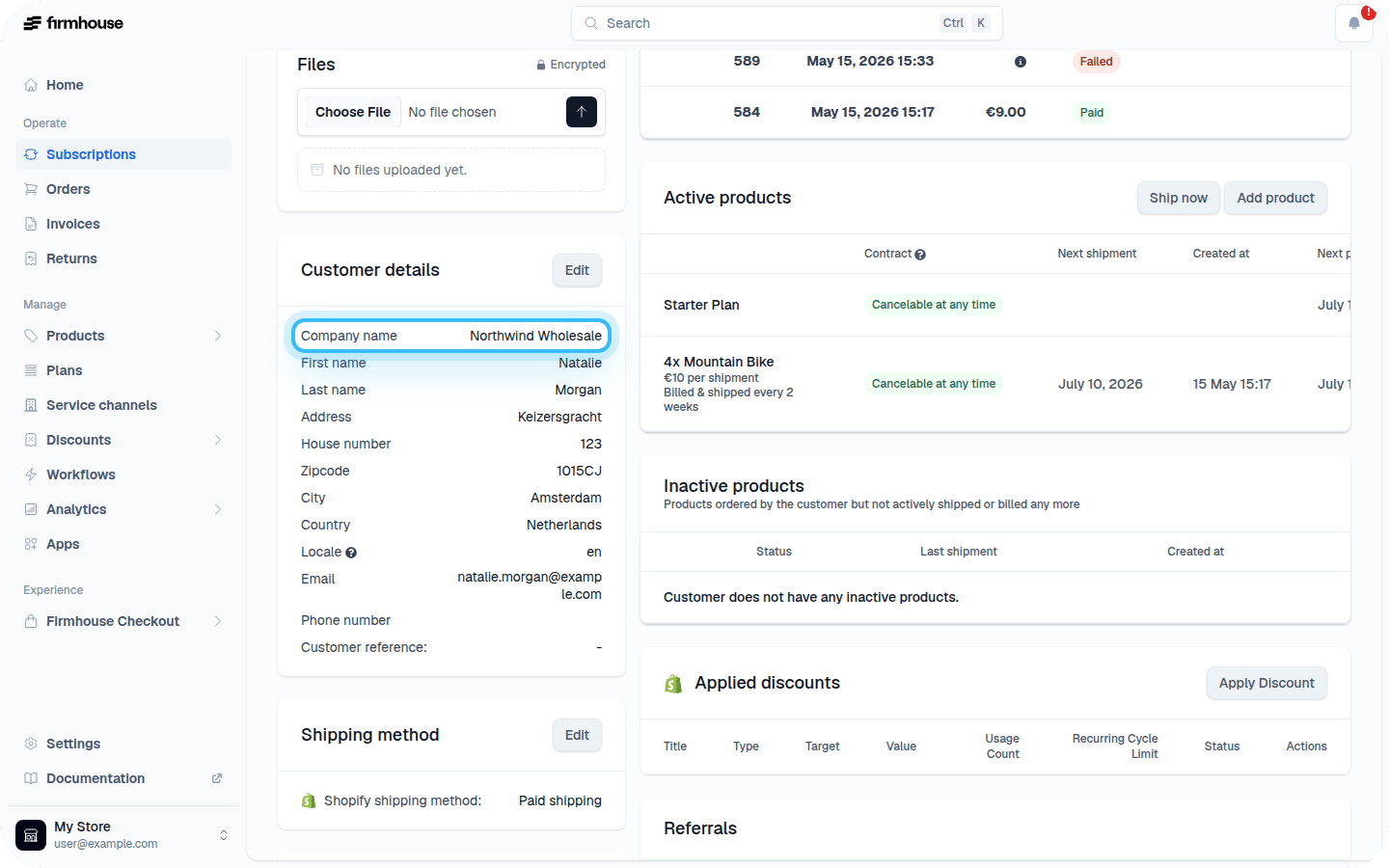
Don’t Ask for Company Name on Checkout
If you want to explicitly hide the company name field for B2C customers, repeat the same steps as above but add&customer_type=consumer at the end of your URL.
Example: