How to Charge a One-Off Payment
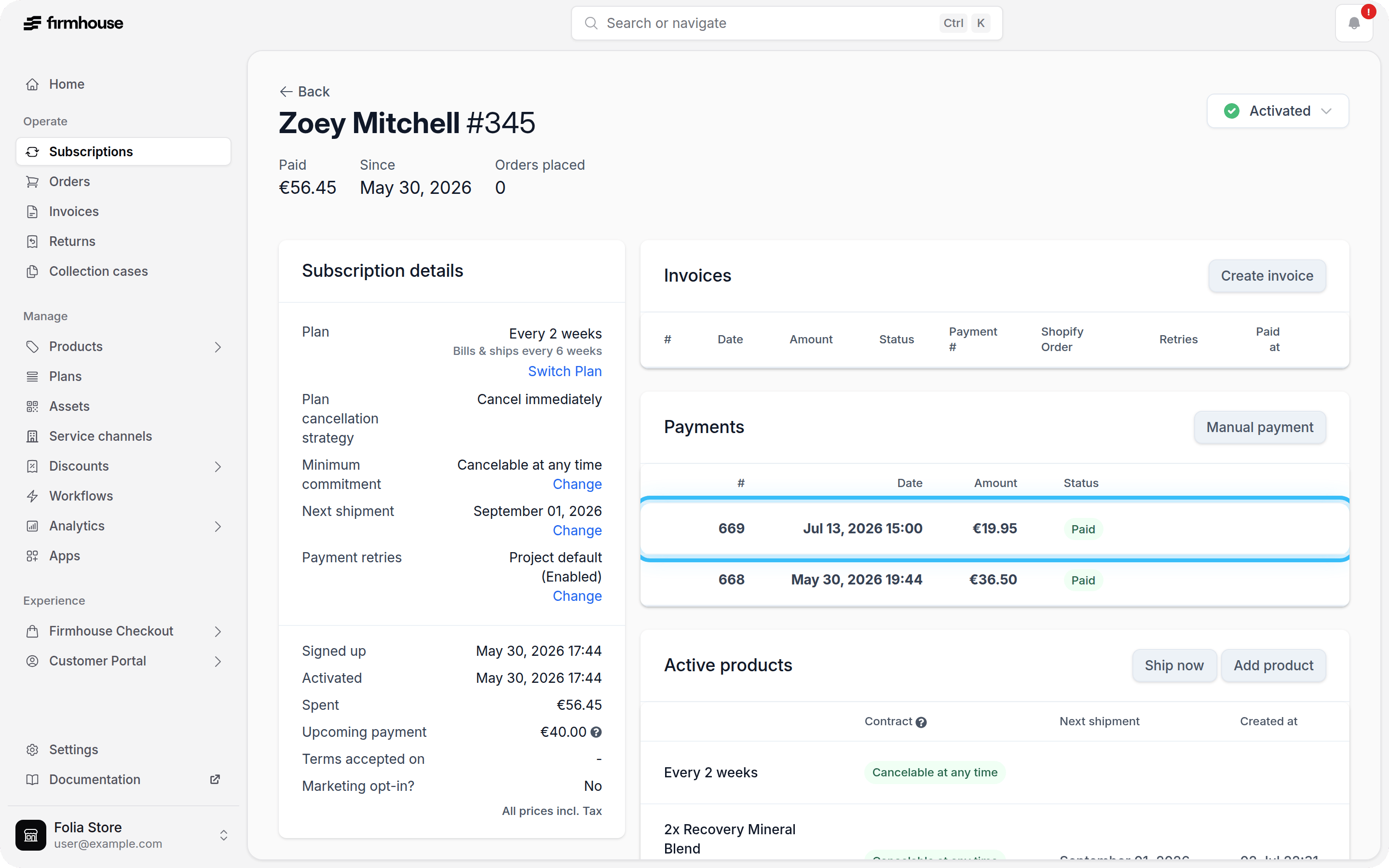
You can initiate a one-off payment from the Payment History section on any customer’s details page.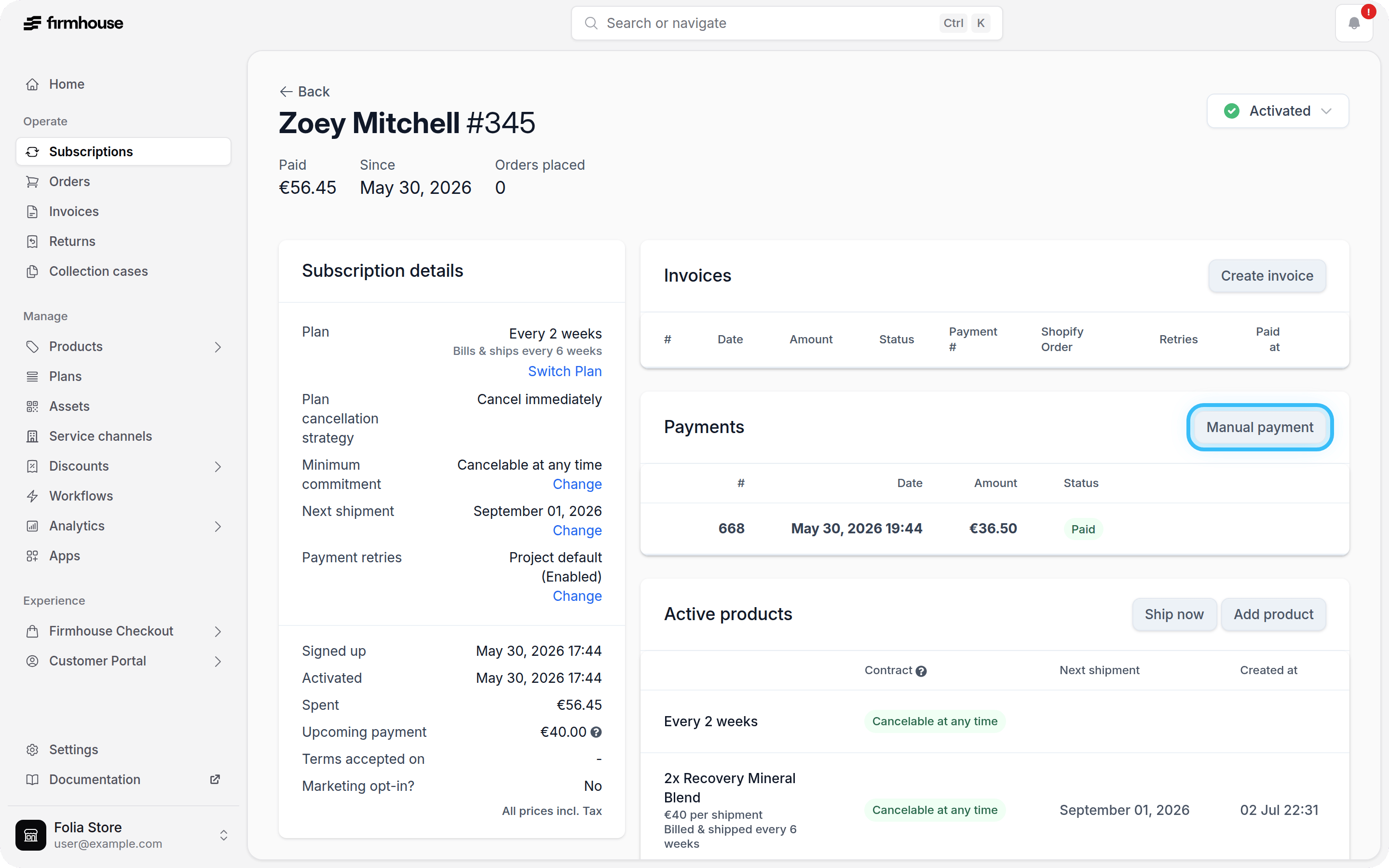
Steps
- Navigate to the customer’s details page in Firmhouse Portal.
- Scroll down to the Payment History section.
- Click the Manual Payment button in the top right corner of the section.
Steps
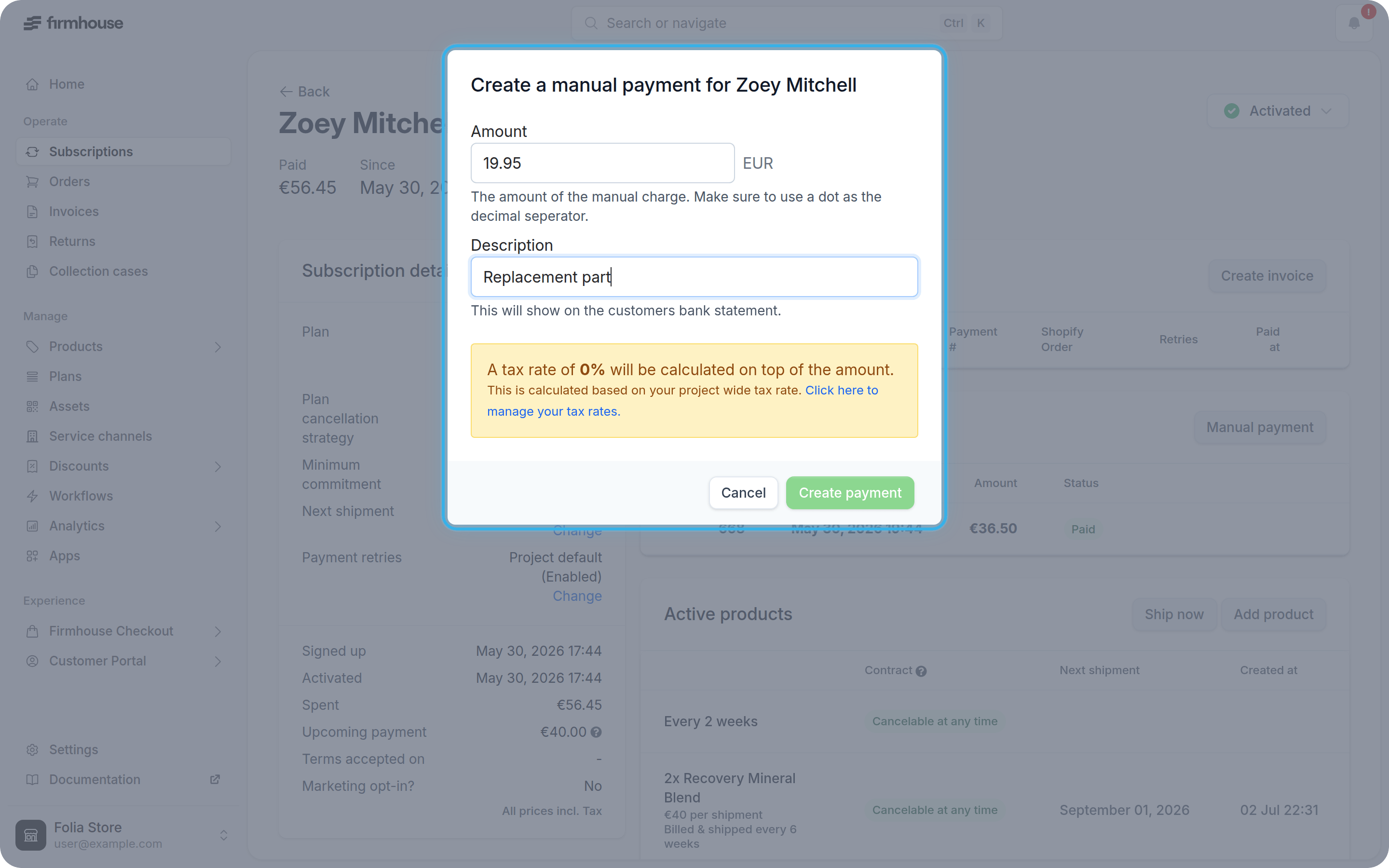
- Enter the amount you want to charge in the Amount field.
- Add a description that explains what the charge is for (this will appear on the customer’s bank statement).
- Click Create to process the one-off payment.