

Creating a Discount Code
First of all, make sure you already have a discount available in your Firmhouse project. Discounts can be created via the Discounts sidebar menu.Steps
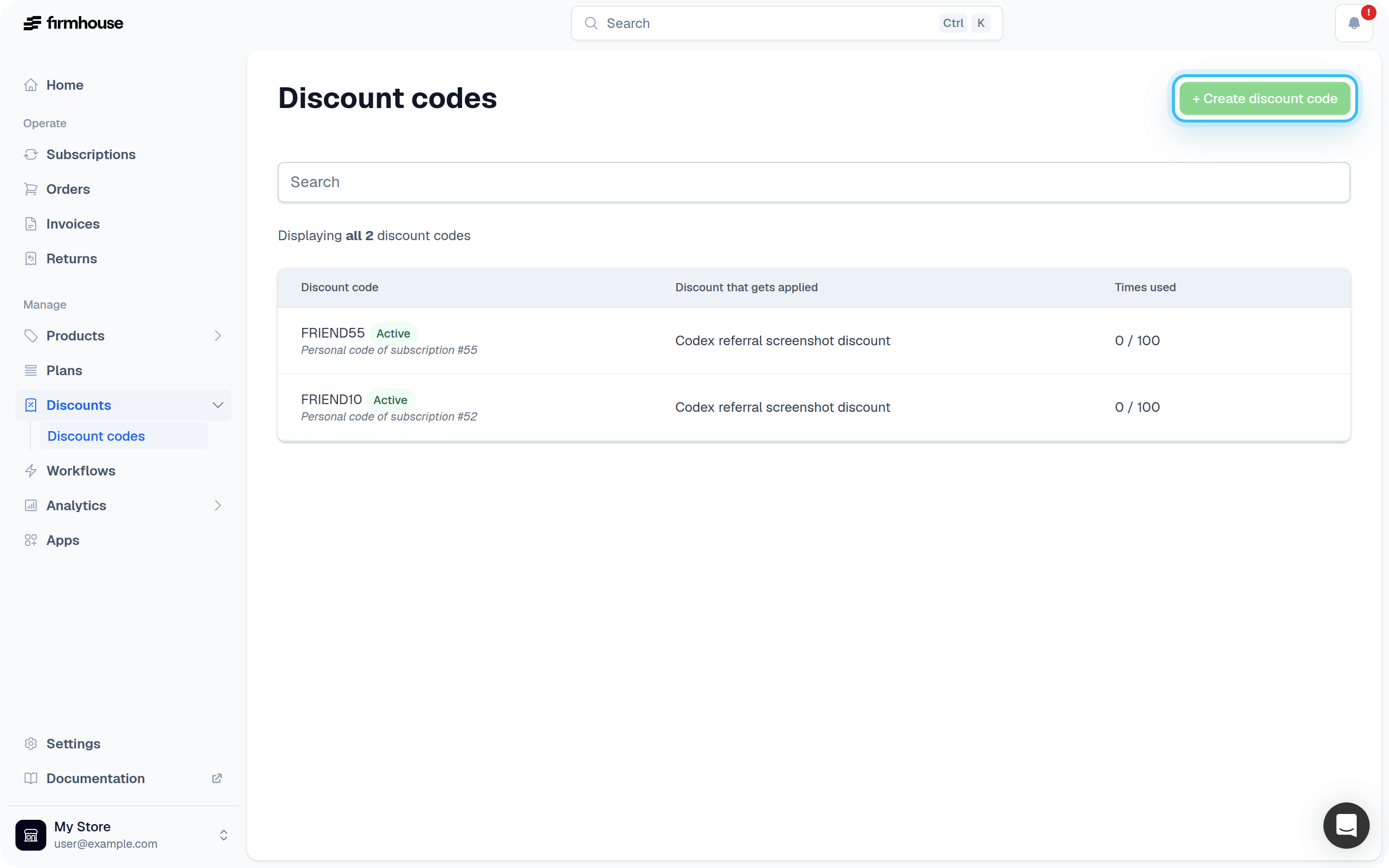
- From your Firmhouse project, click Discount Codes in the sidebar or menu.
- On the Discount Codes page, click the Create discount code button on the top-right.
- In the Discount code field enter the text of the discount code that your customers will enter at checkout. Be aware that discount codes are currently case sensitive.
- In the Number of times this code can be used in total field enter how many checkouts can use this code.
- In the Discount to apply dropdown, select the Discount you want to activate with this code.
Checking Required Plans via the API
If you build a custom checkout or storefront, you can use the GraphQL API to check which plans a discount code is restricted to. UsegetDiscountCode and read the attached promotion’s requiredPlans field. This field lists the plans configured under the discount’s required-plan rules.
requiredPlans is empty, the attached discount does not have plan-specific requirements. The legacy autoSelectPlan field only reflects the optional single plan configured directly on the discount code.
Removing or Disabling a Discount Code
Discount codes are automatically disabled when their usage limit has been reached. You can also fully disable and remove a discount code immediately.Steps
- From your Firmhouse project, click Discount Codes in the sidebar or menu.
- On the Discount Codes page, find the discount code you want to remove.
- Click Remove
When removing or disabling a discount code, the attached discount is not impacted. Customers that have the associated discount already active will keep that discount. You can also apply discounts to a customer manually, even if there are no (active) codes for it.