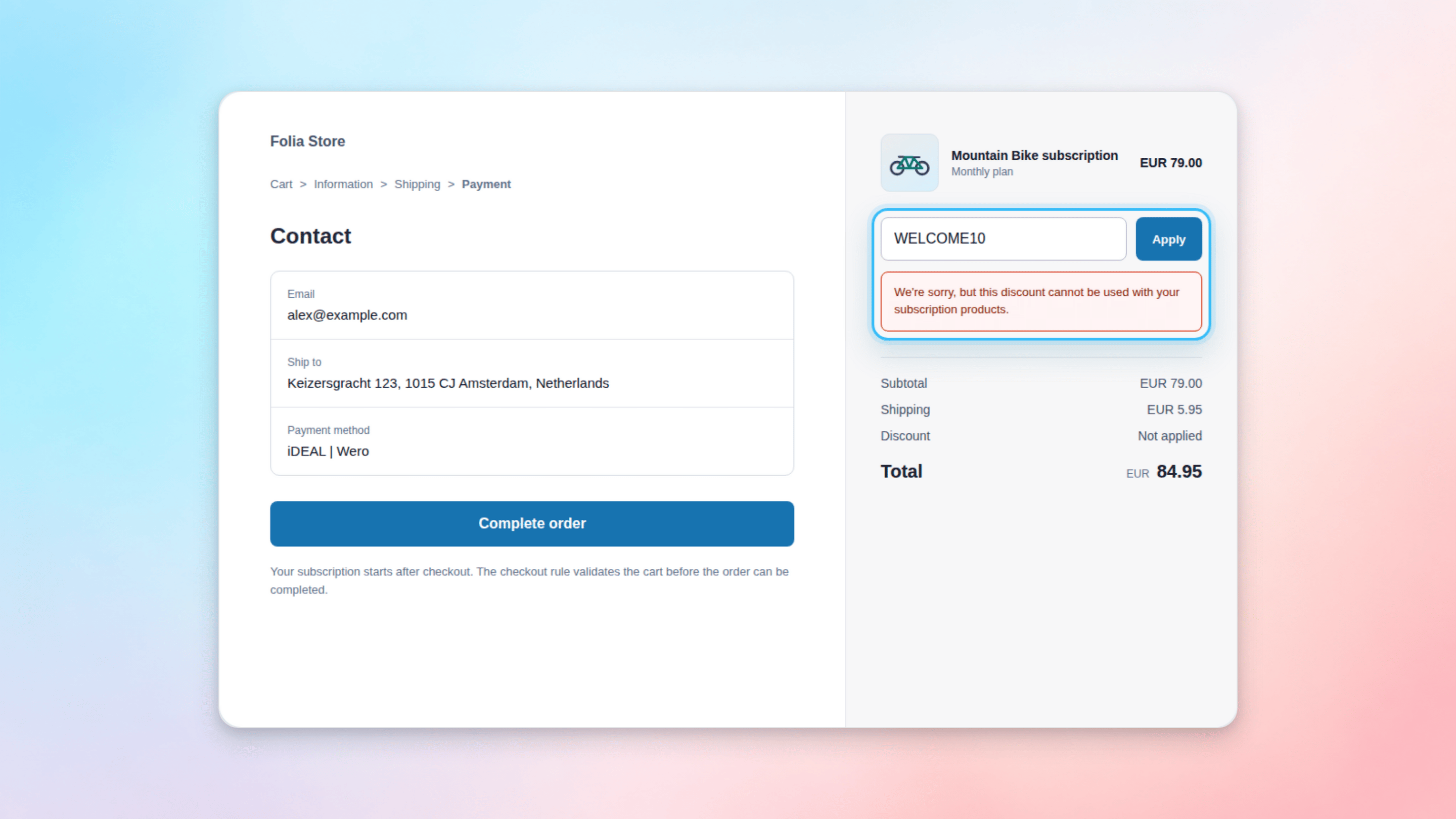
Firmhouse provides a Shopify Checkout Extension that blocks any checkouts containing subscription plans from allowing a discount to be active or a discount code to be entered. This ensures that discounts intended only for one-time purchases cannot be applied to subscription products. When customers pay for their subscriptions using local payment methods like Bancontact and iDEAL | Wero, Firmhouse uses special selling plans. However, Shopify doesn’t recognize these special plans as subscriptions, which means discounts meant only for one-time purchases can still be applied to these subscriptions. The checkout extension prevents this by validating the cart at checkout.Documentation Index
Fetch the complete documentation index at: https://docs.firmhouse.com/llms.txt
Use this file to discover all available pages before exploring further.
Warning: This rule blocks checkout if any discount is applied to a subscription product, or if an order-level discount is applied while a subscription product is in the cart. If you plan to allow discounts on certain subscription products, do not enable this rule, as it will block those as well.
How to set it up
Steps
- Open your Shopify admin and go to Settings > Checkout
- Scroll to the Checkout rules section
- Click Add rule and select “Disallow all discounts for subscription products” under Firmhouse
- Uncheck “Allow all customers to complete checkout” to ensure discounts won’t slip through even if there’s an error
- Click Save, then click Turn on in the top right corner