Linking Mollie to your Firmhouse Project
Steps
- First, open a Mollie account if you don’t have one already.
- Within Mollie, find the API keys in your dashboard by navigating to Developers > API keys. Here you’ll see the Live API key and the Test API key of all your website profiles. Click on Copy to use the API keys.
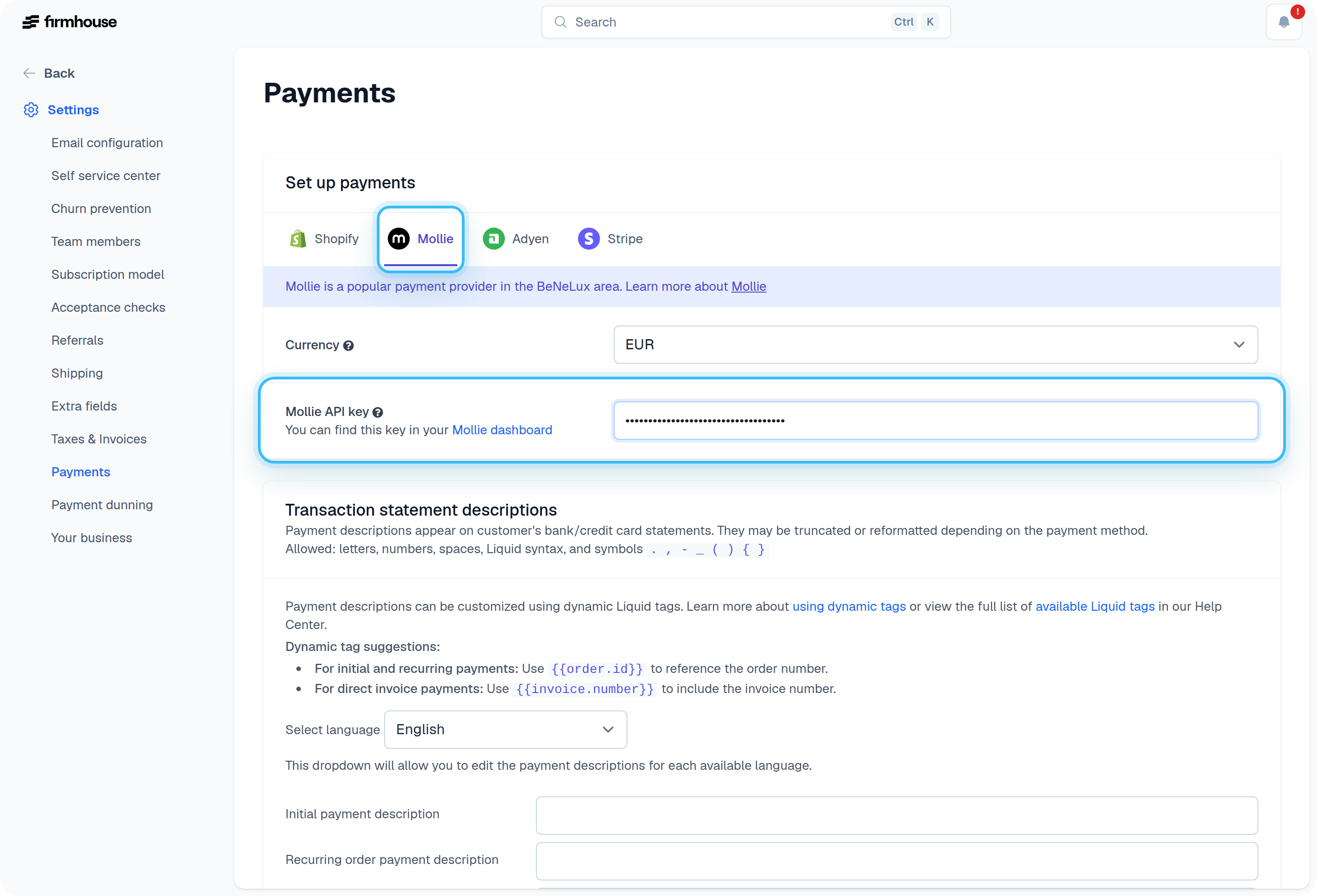
- In your Firmhouse project, navigate to Settings > Payments, select Mollie, and add your Mollie API key.