When using the Firmhouse Shopify app, your customers see the name of the plan they are subscribed to. If you sell in multiple countries with different languages, you might want to translate these plan names for the languages your store supports. The selling plans aren’t present in the Shopify Translate & Adapt app, but they are easy to translate using the classic translation approach based on file exports.Documentation Index
Fetch the complete documentation index at: https://docs.firmhouse.com/llms.txt
Use this file to discover all available pages before exploring further.
Steps
- Navigate to your Shopify shop settings and find the Languages section.
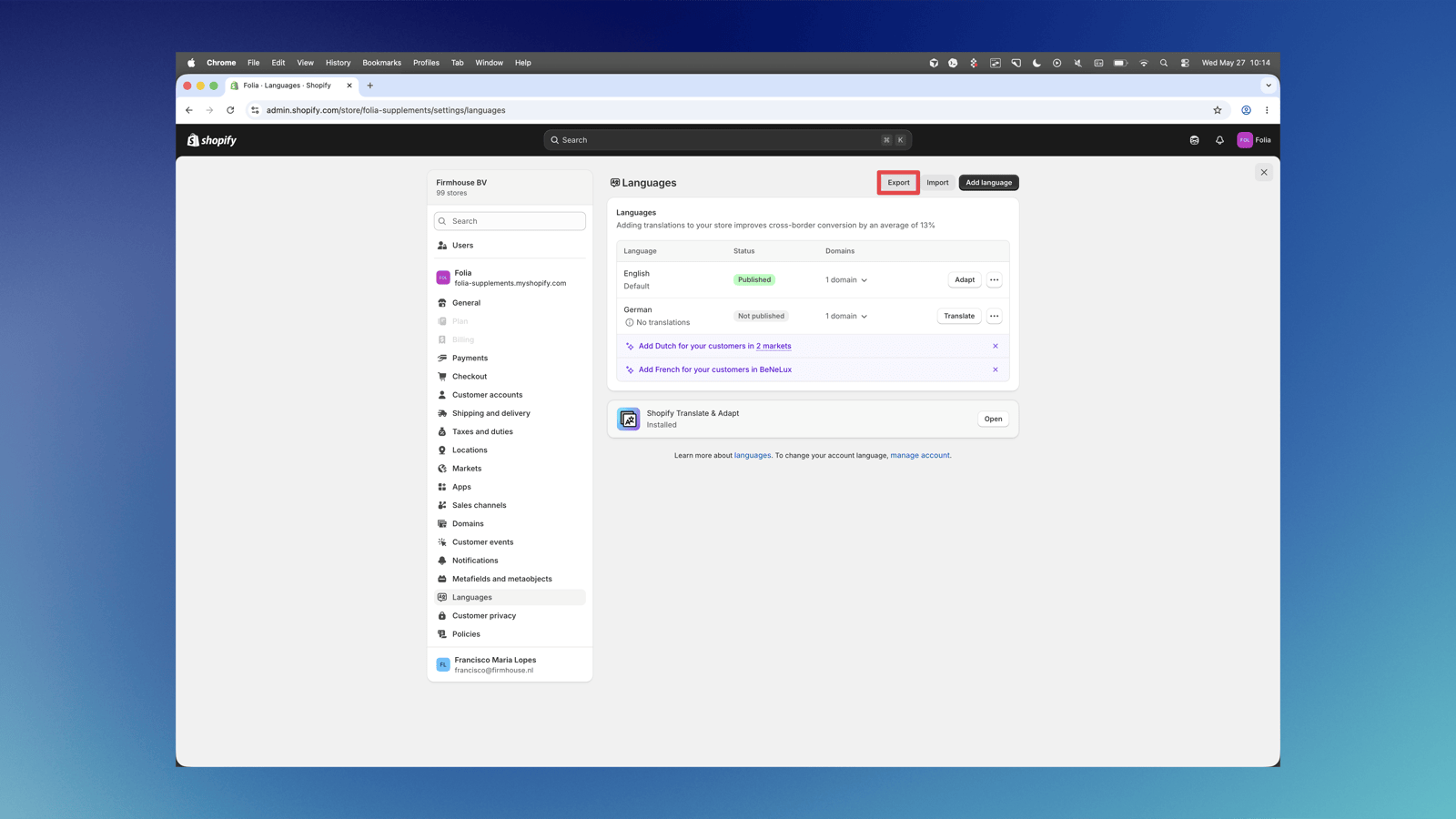
- Click on Export in the top right corner of the screen.
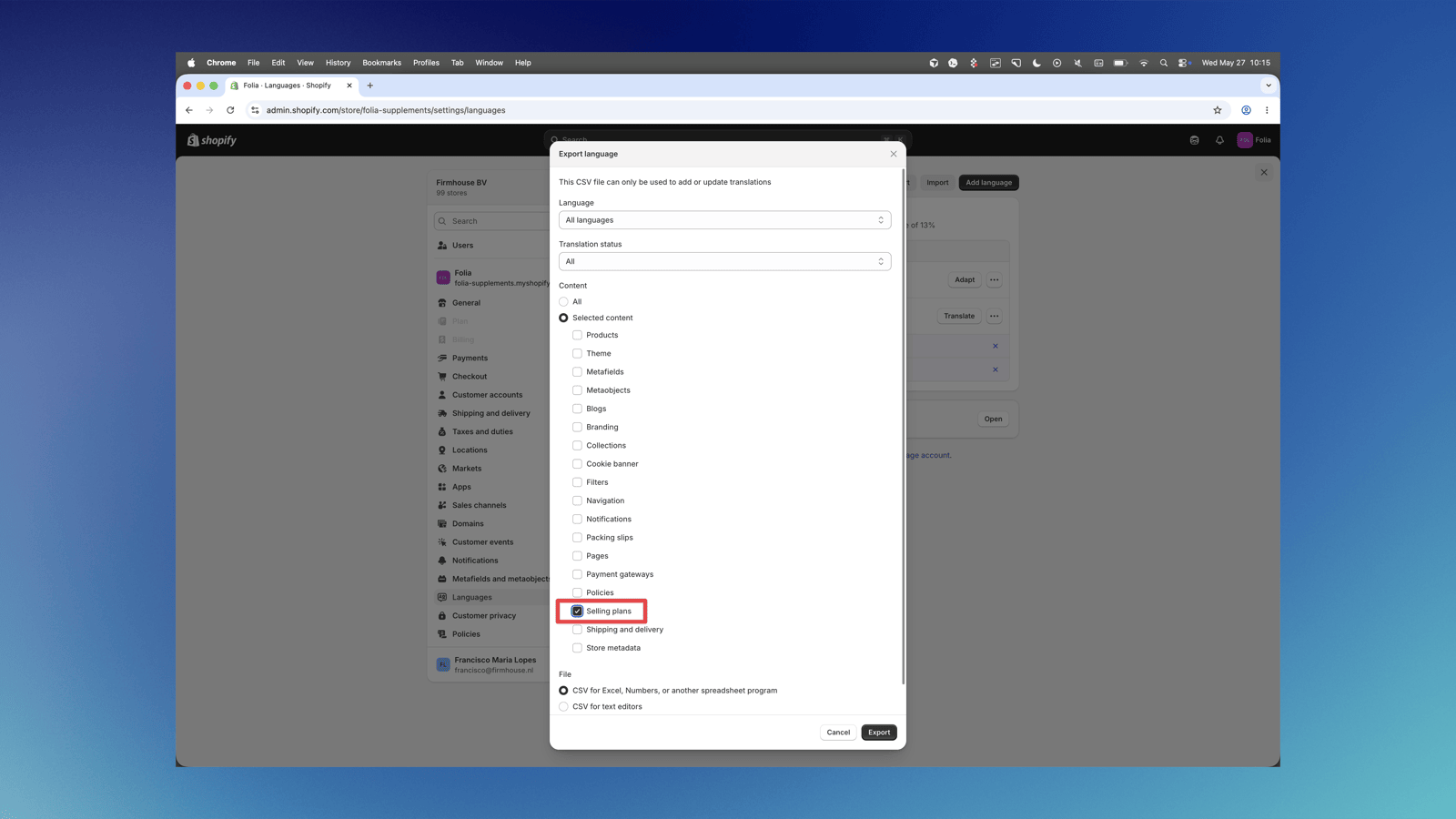
- A popup will appear where you should select the specific content you want to download. Select Selling plans from the content list.
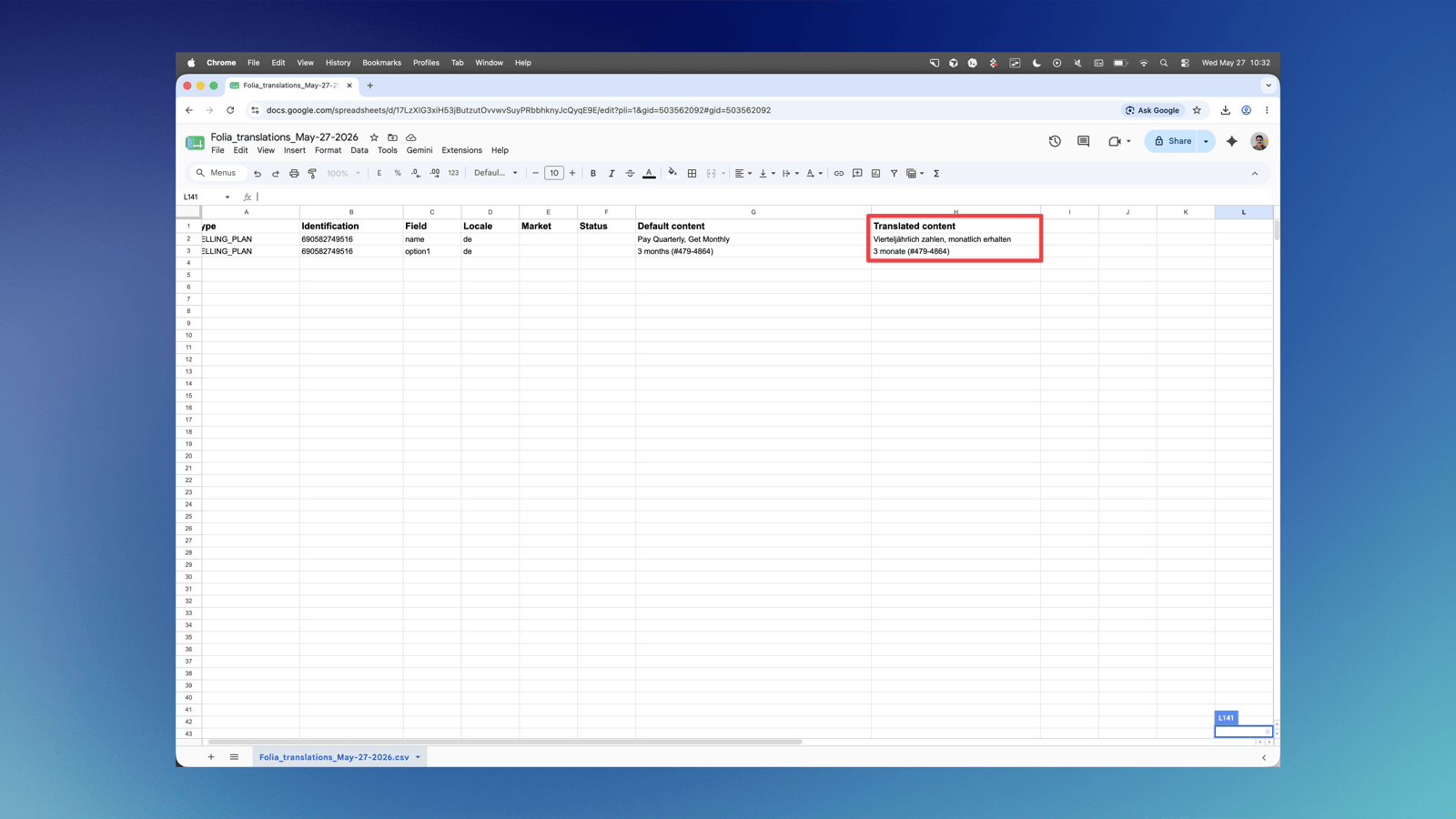
- Download the CSV file and open it in a spreadsheet application.
- Fill in the Translated content column with your translations for each selling plan name.
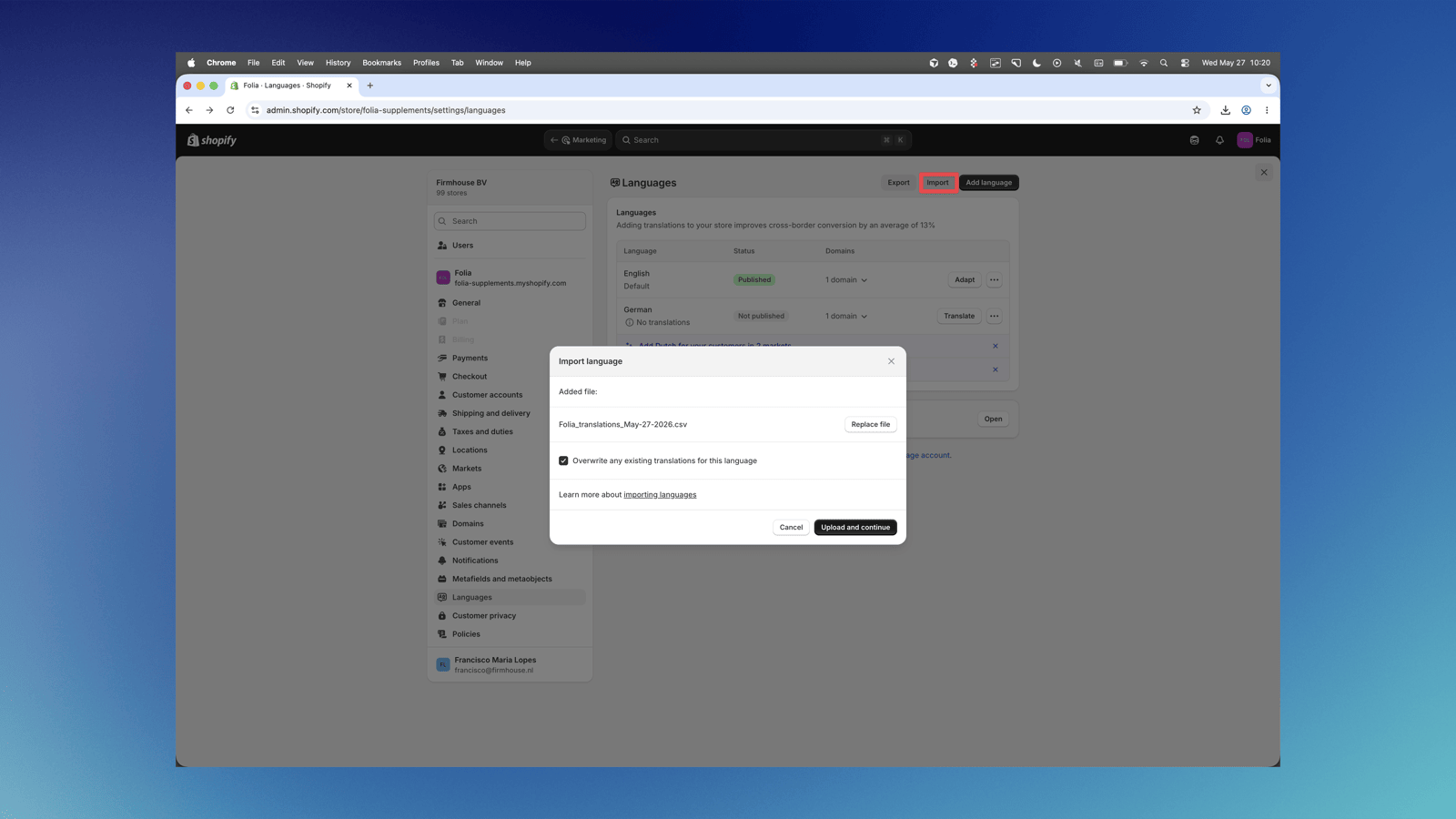
- Go back to the Languages section in Shopify and click Import to upload the translated file.