

How Free Shipping Works
For Shopify Native checkout, free shipping for subscriptions has two parts:- The Free shipping threshold in Firmhouse controls whether subscription orders should be treated as free shipping orders.
- The Free shipping for Subscription discount creates the matching automatic free shipping discount in Shopify, so the Shopify checkout order also gets free shipping.
Setup in Firmhouse
- In Firmhouse, go to Settings > Shipping.
-
Under Free shipping threshold, click Manage countries and set the default value to
0. This makes subscription orders qualify for free shipping. If you only want to offer free shipping above a specific subscription order value, enter that threshold instead of0. Add country overrides for different thresholds. Confirm your selections to return to Shipping settings. - If you use Shopify shipping rates, make sure Take shipping rates from Shopify is enabled.
- Under Free shipping eligibility, click Manage countries if the threshold should not apply everywhere. Free shipping is enabled for all countries by default. Add an override and disable it for each country where shipping should remain paid.
- Click Save changes to save the threshold and country eligibility.
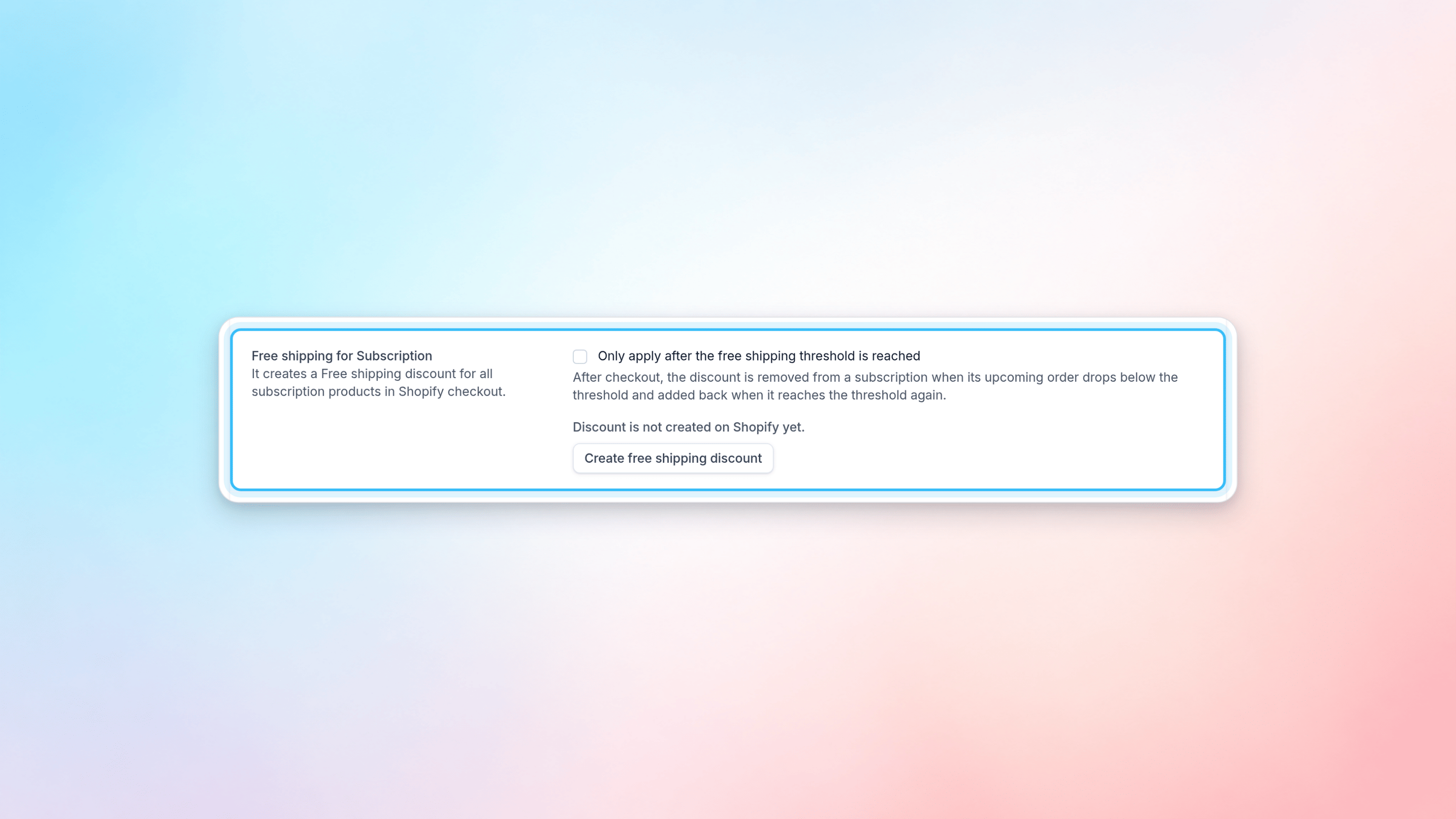
- In the Free shipping for Subscription section, enable Only apply after the free shipping threshold is reached.
- Click Create free shipping discount. Firmhouse creates an automatic free shipping discount in Shopify for subscription products. After it is created, the status changes to Discount is enabled on Shopify.
Requirements
Make sure your Shopify app permissions are up to date before creating the discount. You can check this in Firmhouse under Apps > Shopify. Firmhouse needs the required Shopify permissions to create and manage the automatic free shipping discount in your Shopify store.Managing the Shopify Discount
After the discount is created, you can manage it from Settings > Shipping in Firmhouse.- If the discount is active, the page shows Discount is enabled on Shopify.
- To stop applying it, click Deactivate free shipping discount.
- If the discount was deactivated, click Activate discount to enable it again.
Country-specific free shipping
The Free shipping eligibility setting controls the Firmhouse order calculation, recurring Shopify subscription contracts, and the automatic Shopify checkout discount together. To offer threshold-based free shipping only in selected countries:- Open Manage countries under Free shipping threshold. Set the default and add country overrides, such as
19for the Netherlands and35for Belgium. - Open Manage countries under Free shipping eligibility.
- Leave the default enabled and add disabled overrides for countries that must always use paid shipping, or disable the default and enable only the eligible countries.
- Enable Only apply after the free shipping threshold is reached in the Free shipping for Subscription section.
- Save the project and verify checkout with an eligible and an ineligible shipping address.
0 means no minimum order amount. Removing an override restores inheritance. Existing projects keep their current default threshold and eligibility.
Disabling country eligibility prevents the threshold from granting free shipping. Other shipping exemptions and free rates configured in Shopify still apply.