

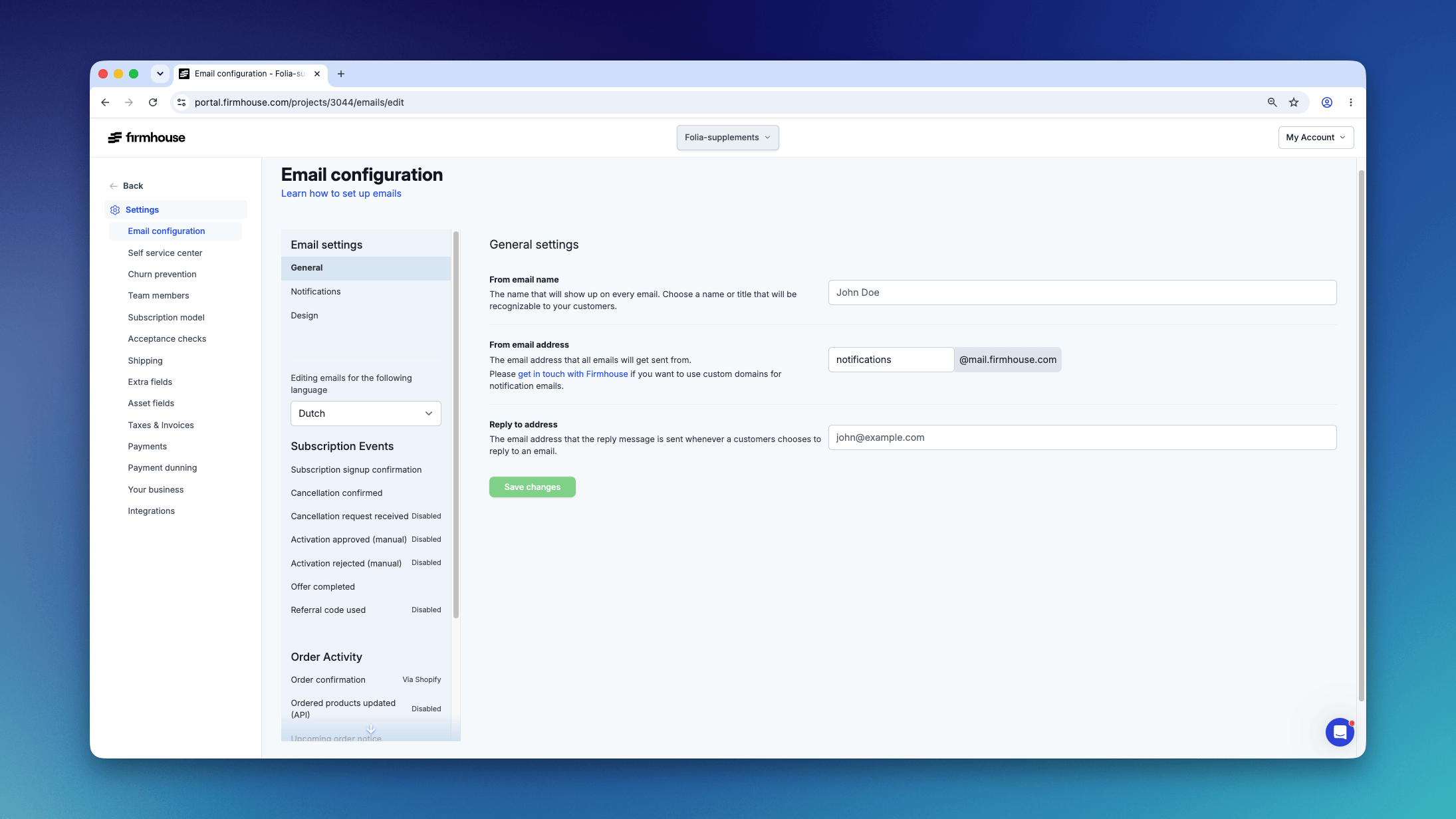
Dynamic Tags
Tags are formatted with curly braces{{ }}. By using the correct variable name (e.g., {{plan.name}}) together with the curly braces, you can show relevant dynamic content to your customer. Depending on the email template, there are several categories of dynamic content available:
- Plan: Current customer plan information like
nameandmonthly_price - Project: Your
companyandproductnames - Subscription: Subscriber details like
full_nameandfull_address - Extra fields: Optional extra fields added to your project like
date of birth
{{plan.name}}, {{subscription.full_name}}, {{extra_fields.birthday}}
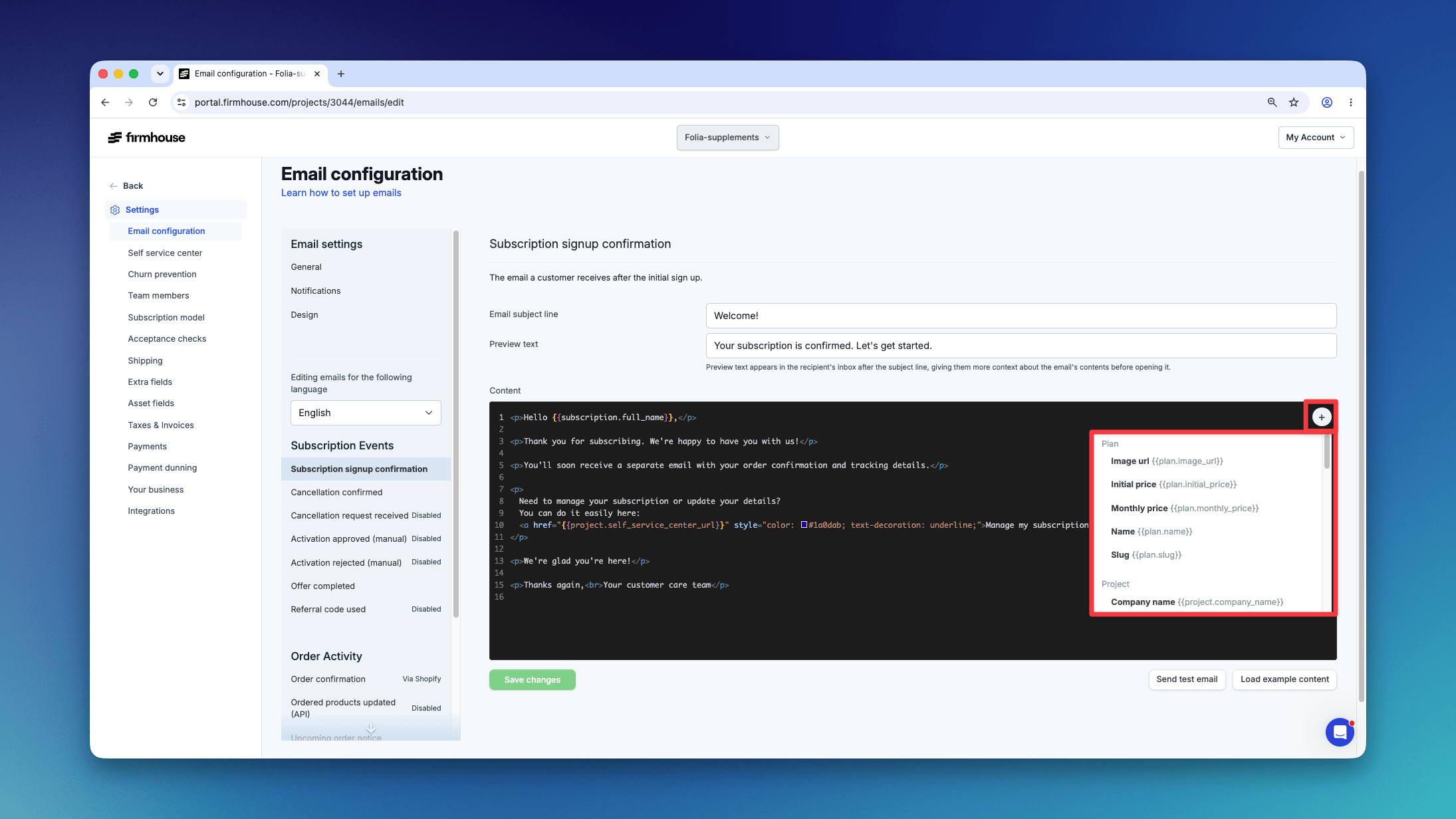
Available tags depend on the type of email that is being sent and are available under the plus sign in the email configuration edit box.
Example: Cancellation URL
To configure a link like the URL to cancel a subscription, you can add some HTML to make a link more “human readable”:{{subscription.cancellation_url}} is the dynamic tag used and “Cancel my subscription” is the text that will be displayed to your customer.
Example: Outstanding Invoices overview
You can display all outstanding invoices to your customer using theoutstanding_invoices variable. To display all the invoices and create a separate line with the invoice data, use the {% %} braces (instead of just {{ }} for displaying data).
The basic structure is:
Example: Customize the recurring order skipped email by reason
The Recurring order skipped email exposes{{recurring_order_skip.reason}}. Use it to add instructions for a particular cause while keeping the rest of the email generic:
recurring_order_skipped outgoing webhook. See Recurring order skipped webhook event for every possible value.
Example: Show text only after subscription is 90 days old
Sometimes you only want a piece of information to be available when a subscription has been running for some time. This can be useful for displaying extra services or motivating subscribers to re-order. In this example, we calculate if the subscription is at least 90 days old, then only show the information for those subscribers:{% assign %} command creates a temporary variable and the pipe | puts this value through a “filter”. The code works as follows:
- Set
contract_startto the subscription start date, formatted as seconds since 1970 (the%sformat) - Set
three_months_agoto the current date/time, formatted as seconds from 1970, subtract 7,776,000 seconds (606024*90), and format it again as a date in seconds - The
{% if three_months_ago > contract_start %}compares the two values and shows “yes” if the subscription is older than 90 days or “no” if younger